
Last updated: August 2026
An internal link graph turns your site into a network you can inspect, score, and improve. Instead of treating links as page-level chores, you see how authority, crawl paths, and intent flow across the whole domain. That matters more now, because thin architecture wastes crawl attention and hides strong pages from both users and search systems.
TL;DR
- Map pages by topic, intent, and authority.
- Use AI to spot orphaned and underlinked pages.
- Prioritize links that improve crawl paths fast.
- Measure impact with traffic, depth, and conversions.
What an internal link graph is and why it matters
An internal link graph is a map of pages as nodes and internal links as connections. It shows which URLs act as hubs, which pages sit too deep, and which articles attract links but pass little value onward. A sitemap lists URLs. A graph shows relationships, direction, and weight.
Search engines use those relationships to discover pages and infer hierarchy. Users feel the same structure when they move from a guide to a comparison page to a signup page. If your topical clusters are messy, your graph will expose it. That is also why modern SEO strategy depends on architecture, not only publishing volume.
Audit your site to collect the right link data
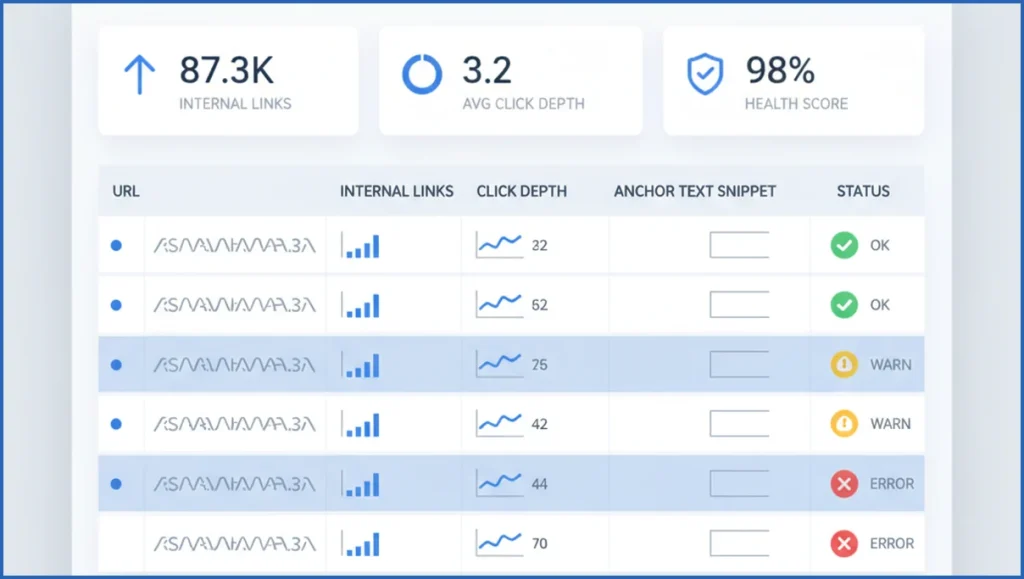
Start with a crawl export, not guesses. Pull URL, status code, inlinks, outlinks, anchor text, click depth, canonical target, page type, and last modified date. Then merge Search Console clicks and impressions, plus GA4 entrances or conversions. If you use Claude with the Search Console MCP tools, this merge gets much faster.
A simple dataset might show 1,240 indexable URLs, 87 orphaned pages, and 214 pages deeper than four clicks. That is enough to find structural waste. Add one column for primary topic and one for intent. Informational, commercial, and transactional pages should not compete blindly for the same internal links.
Use AI to cluster pages by topic and intent
AI helps when your site has too many near-duplicate themes to group manually. Feed titles, H1s, target queries, and short page summaries into a clustering step. You want output like: “technical SEO tools,” “GA4 reporting,” and “SEO consultation” as distinct clusters, each with mixed funnel intent where relevant.
One useful workflow is to export pages into CSV, then ask Claude to assign cluster, subtopic, intent, and likely parent hub. This mirrors the logic behind AI keyword clustering workflows, but applied to URLs instead of keywords. In practice, AI often finds missing edges. For example, three buying-guide pages may never link to a product-led service page.
Input columns:
url, title, h1, top_queries, clicks, page_type

Prompt:
Group these URLs into topical clusters.
Return: cluster_name, intent, suggested_hub_url, missing_link_targets.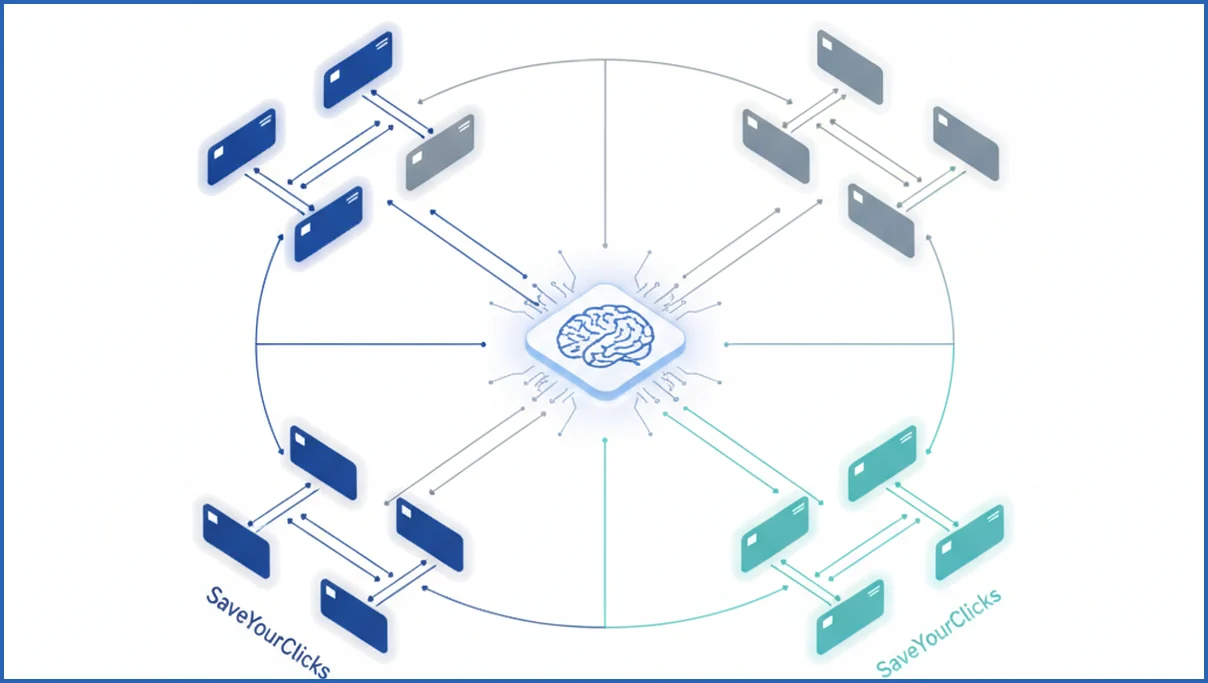
Design the internal link graph around hubs and spokes
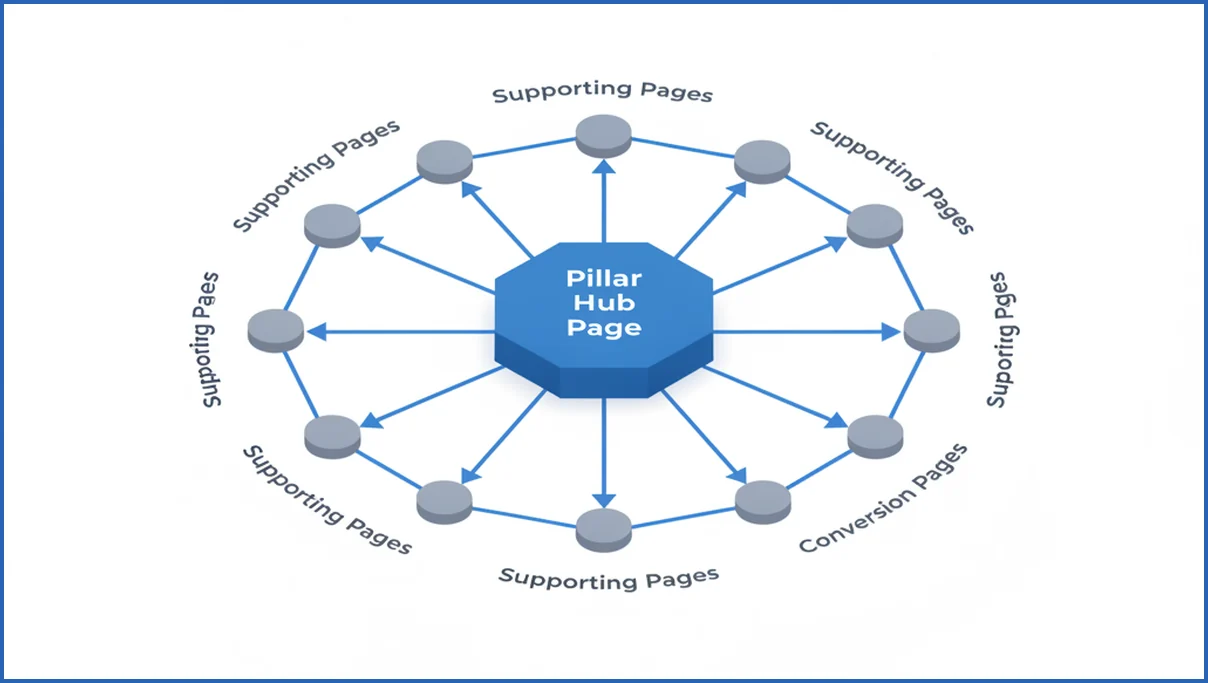
Build one clear hub for each important topic. Then connect supporting pages back to that hub and sideways to closely related spokes. Add conversion pages only where intent fits. This prevents the common mess where every blog post links to every money page with forced anchors.
A clean pattern looks like this: a pillar page on internal linking, six support articles on audits, anchors, orphan pages, and templates, then one consultation or tool page. Teams building content plans around clusters usually get better crawl paths and clearer user journeys with this model.
- Choose the hub with the broadest intent.
- Assign each support page one primary parent hub.
- Add 2 to 5 contextual links between relevant spokes.
- Link to conversion pages from high-intent sections only.
Prioritize the highest-value links to add first
Do not start with a full-site rewrite. Score opportunities by relevance, source-page authority, target-page value, and implementation effort. A link from a page with 12,000 annual clicks to an underlinked service page usually beats ten low-traffic blog-to-blog additions.
One practical queue is: orphaned pages with business value first, pages ranking in positions 8 to 15 second, deep pages third, then anchor text cleanup. If you already run GA4 data through MCP, you can add conversion rate as a scoring column and stop treating all links as equal.
Monitor results and keep the graph healthy over time
Check four things every month: orphan pages, median click depth, internal links to priority URLs, and organic performance for pages you strengthened. You are not looking for instant ranking jumps. You are looking for better crawl access, more impressions, and stronger page-to-page movement.
Sites change fast. New content creates stale hubs, retired pages create broken paths, and old anchors drift off topic. A quarterly review is usually enough for small sites. Larger publishing teams need ongoing checks, often tied to SEO automation workflows that flag link decay before it spreads.
Frequently Asked Questions
How is an internal link graph different from a sitemap?
A sitemap tells search engines which URLs exist. An internal link graph shows how those URLs connect, how deep they sit, and which pages carry most internal authority. You use a sitemap for coverage. You use a graph for structure, prioritization, and finding weak pathways that reduce discovery or dilute topical clarity.
Can AI recommend anchor text for internal links?
Yes, and it is useful when done with constraints. Give AI the source paragraph, target page summary, and existing anchor patterns. Ask for natural anchors under six words, with no exact-match stuffing. Then review output manually. Good anchor text should fit the sentence, reflect the target topic, and avoid repeating the same phrase across dozens of pages.
How many internal links should a page have?
There is no fixed number that works across every template. A 700-word post may need 3 to 8 useful links. A pillar guide may need 15 or more. Count only links that help navigation or clarify relationships. If links feel forced, repetitive, or distract from the page goal, you have already added too many.
What pages should be excluded from an internal link graph?
Exclude URLs that do not belong in strategic SEO analysis. That often means tag archives, faceted navigation variants, login pages, internal search results, duplicate parameter URLs, and utility pages with no organic role. Keep them in technical crawl reviews if needed, but remove them from planning graphs so signal pages stay visible.
Does internal linking help new pages rank faster?
It can help new pages get discovered and understood sooner, especially when linked from frequently crawled, topically relevant pages. That does not guarantee rankings. The page still needs unique value and query fit. Internal links mainly reduce isolation. They tell search engines where the page belongs and why it matters in your site structure.
How often should I update my internal link graph?
Update it whenever your structure changes materially. For most sites, that means a monthly refresh of crawl and performance data, plus a deeper quarterly review. If you publish daily, automate it weekly. The right cadence depends on publishing volume, site size, and how often teams add, merge, redirect, or retire content.
If you only do one thing this week, export your top 100 organic landing pages, add click depth and inlink counts, and sort for high-value pages with weak internal support. That single sheet usually shows the first 20 links worth shipping.

