
Last updated: June 2026
AI Content Generator Comparison: Tools, Features, and Best Uses starts with one practical question. Which tool saves time without creating extra edits? Some platforms are built for short ad copy. Others are better for long-form articles, product pages, or multi-step review. The right comparison looks at output quality, controls, workflow, and fit for modern search. That matters even more now that Google surfaces richer AI-driven answers and rewards pages that solve intent clearly.
TL;DR
- Compare AI content generators by quality, speed, and control.
- Match each tool to blogs, ads, social posts, or SEO drafts.
- Look beyond pricing: editing, tone, and workflow matter most.
- Use the right tool for faster drafts and better consistency.
What an AI Content Generator Actually Does
An AI content generator predicts plausible text from a prompt, examples, and tool settings. That sounds simple, but the output range is wide. A basic generator writes a 150-word caption fast. A stronger one builds a brief, drafts sections, rewrites tone, and keeps structure consistent across assets.
Still, these tools do not replace judgment. They compress drafting time, not editorial thinking. For search work, they help most when paired with a real workflow for query mapping, keyword clustering, and post-draft edits. If you publish the first draft untouched, generic phrasing usually slips through.
A practical example: feed a generator five customer reviews, one product page, and a target angle like “durability for commuters.” You can get ten headline options, a short description, and two social variants in under five minutes. That is useful. It is not the same as verified claims, brand nuance, or original reporting.
How We Compare AI Content Generators
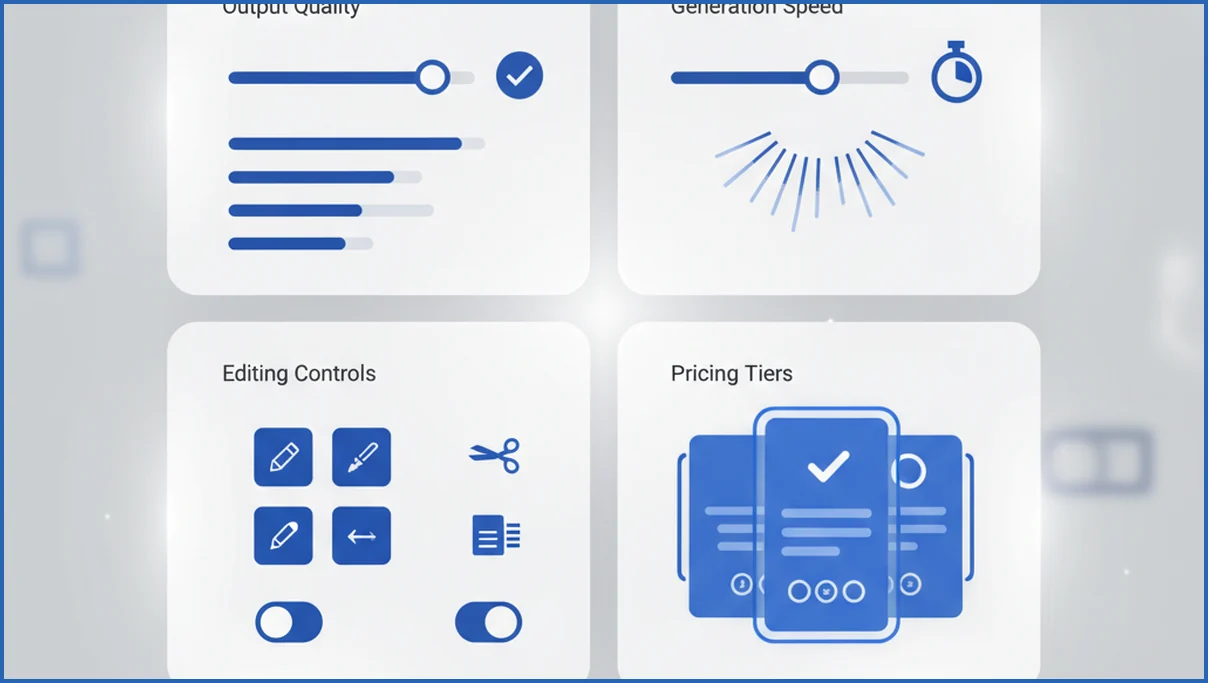
We compare tools on four dimensions: output quality, speed, editing control, and workflow fit. Quality means accuracy, specificity, and how often the draft says something worth keeping. Speed is not just generation time. It includes how long you spend fixing repetition, weak transitions, and off-brand phrasing.
Editing control matters more than flashy templates. Useful tools let you steer tone, paragraph length, format, and source inputs. Workflow fit decides whether the tool belongs in a real stack. If your team uses Claude with Google Search Console MCP data, a generator that accepts structured inputs will beat a prettier app that only offers blank-box prompting.
Best AI Content Generator Types by Use Case
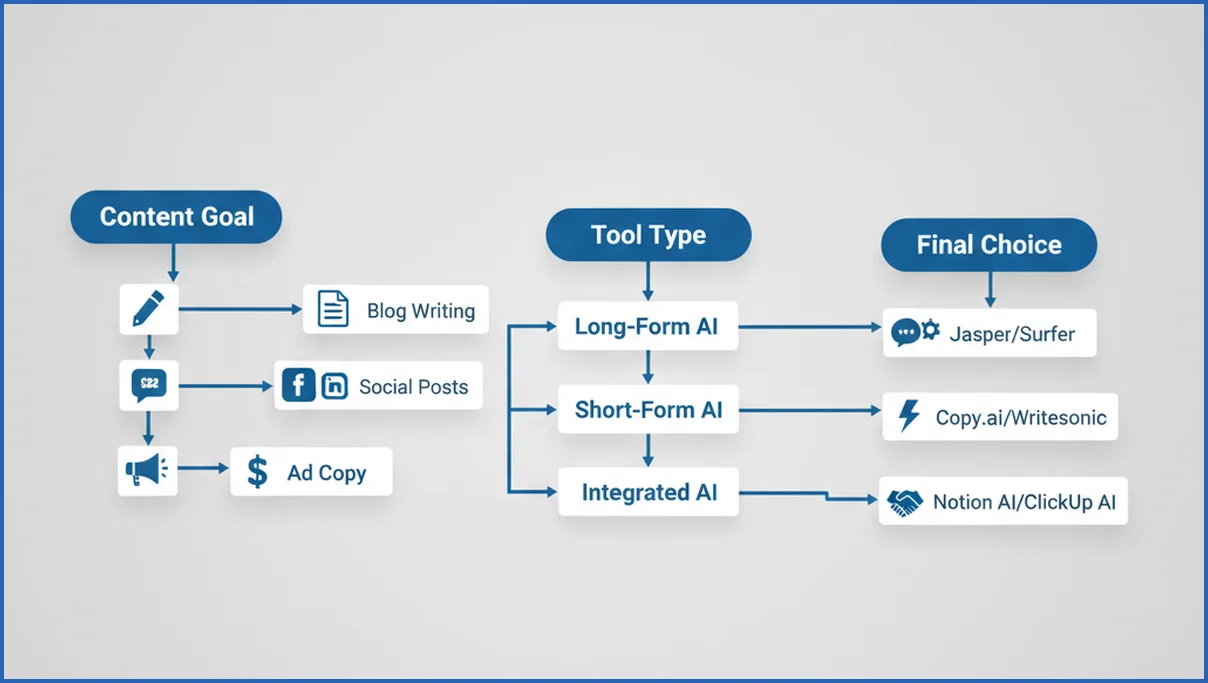
Long-form blog tools work best when they combine outlining, section prompts, and rewrite controls. Social generators win on speed and volume. Ad copy tools need tight character handling and variant testing. Product copy tools should digest features, reviews, and objections without sounding like a catalog.
For SEO teams, the sweet spot is often a hybrid workflow. Use one tool to build structure and another to enrich weak sections with data. That works especially well if you already run a GEO workflow that maps content to AI search surfaces, not only classic rankings.
Example: an ecommerce brand can use a product copy generator for 200 collection intros, then pass priority pages into a stronger editor for category differentiation. That is more efficient than forcing one app to do everything. If you run a content team, specialization usually beats all-in-one promises.
Feature Comparison: Quality, Speed, Editing, and Pricing
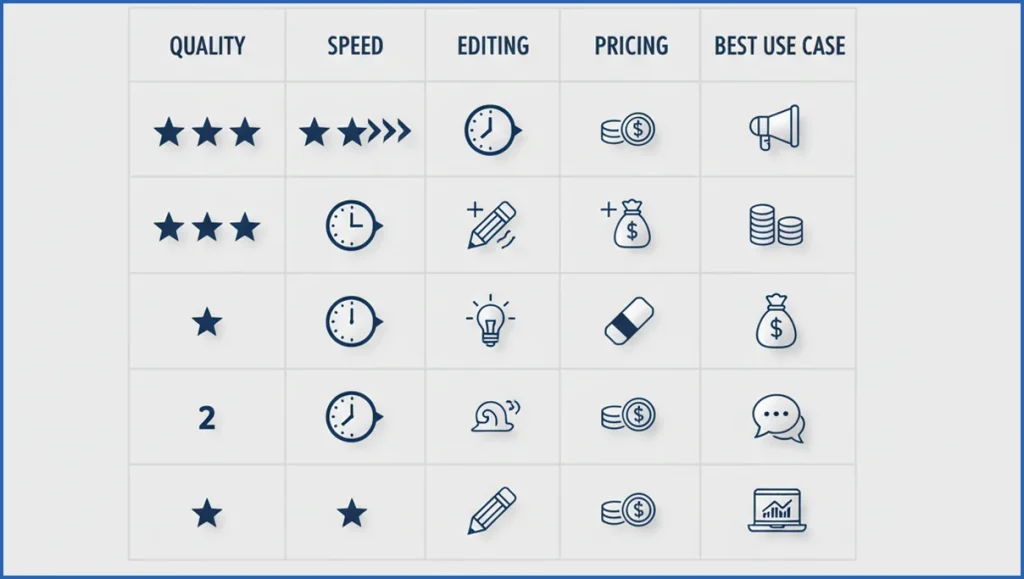
Cheap tools often look efficient until editing time shows up. A tool that costs $19 per month but needs 18 minutes of cleanup per article is not really cheaper than one that costs $59 and saves ten minutes every draft. Pricing only makes sense when paired with output retention, not raw word count.
Quality improves when the tool supports brand memory, examples, and guided rewrites. Speed improves when prompts can be reused across formats. Editing gets better when you can lock structure, regenerate only one block, or pass in source material. Those features matter more than a dashboard full of templates.
| Feature | Basic Generator | Workflow-Oriented Tool | Verdict |
|---|---|---|---|
| Output quality | Fine for short drafts | Better with context and rewrites | Workflow tools win on usable first drafts |
| Speed | Fast initial output | Slightly slower setup | Basic tools are faster for one-off tasks |
| Editing control | Limited | Granular section control | Control reduces cleanup time |
| Pricing logic | Low sticker price | Higher, but fewer edits | Judge cost per approved asset |
When a Simple Generator Is Enough vs When You Need More
A simple generator is enough for low-risk, short-form work. Think meta descriptions, ad variants, FAQ drafts, or social captions. It is also fine for founders testing messages before they invest in a full content process. In those cases, speed matters more than nuance.
You need more when content affects revenue, rankings, or trust. Service pages, comparison posts, and category content need stronger planning and revision. If your site depends on internal structure, pair drafting with internal linking work and page-level SEO checks. Generators do not naturally handle those dependencies well.
How to Choose the Right AI Content Generator
Start with the job, not the tool. Define your main format, monthly volume, approval process, and acceptable edit time. A solo operator writing eight posts a month needs something very different from a team shipping 300 PDP blurbs and paid social variants.
Then run a short test. Use one prompt set across three tools. Score each on specificity, factual cleanup, and how much survives final edit. If your SEO stack already pulls data from MCP integrations for Claude, test whether the generator can turn that context into sharper outlines and titles.
- Pick one high-value content type.
- Use the same brief in three tools.
- Track draft time, edit time, and approval rate.
- Choose the tool with the best kept-text ratio.
Final thoughts
The best AI content generator is rarely the one with the longest feature list. It is the one that fits your content type, review process, and search goals. As Google AI experiences expand, useful structure, source awareness, and editability matter more than bulk output. Compare tools by real tasks, not demos, and you will make a better pick for both efficiency and visibility.
Comparison table
A simple comparison table helps separate general writing tools from production-ready content systems. For AI Mode and modern Google Search, the best tools usually combine long-context drafting, strong instruction following, and collaborative editing. Claude works well for long briefs and nuanced rewrites. ChatGPT is flexible for ideation, outlining, and fast prompt iteration. Jasper suits teams that want campaign workflows and templates. Writer is stronger where governance, approvals, and brand controls matter.
Use a table to compare the factors that affect output quality most: context window, brand voice controls, factual editing support, workflow integrations, and export options. It also helps to mark the best fit by job. For example, product descriptions need speed and consistency. Category pages need structure and internal logic. Thought leadership needs better reasoning and source handling. If your team also maps content to answer-first search behavior, this answer engine optimization guide can sharpen those criteria.
One practical scoring model is to rate each tool from 1 to 5 on six items: research support, outline quality, editability, voice control, team workflow, and cost efficiency. That creates a clearer buying view than feature lists alone. Many teams find that one tool wins for strategy drafts, while another wins for repetitive production. A comparison table makes that split visible before budget gets locked in.
How AI Mode and Google Search change content generator picks
Google AI Mode and broader search updates change what matters in an AI writing tool. A content generator now needs to help you create pages that answer layered questions fast, show clear sourcing, and cover follow-up intent. Google has pushed deeper AI search experiences into Search, including AI Overviews and AI Mode experiments, which raises the bar for clarity and usefulness (Google I/O 2025). If a tool only spins short copy, it will struggle on pages meant to earn visibility.
That shifts comparison criteria. Look beyond word count, templates, and tone controls. Strong picks now support factual review, outline depth, prompt reuse, and easy editing by subject experts. Tools like Claude, ChatGPT, Jasper, and Writer differ a lot here. Some are better for research framing, while others are better for controlled brand production. If your team is adapting content for answer-driven search, this AI Mode explainer gives useful context before you choose software.
- Prioritize tools that structure answers with headings, summaries, and follow-up sections.
- Favor products with strong document context windows and reliable revision workflows.
- Check whether outputs are easy to verify with first-party data and expert edits.
Frequently Asked Questions
What should I look for in an AI content generator?
Look for output quality first, then editing control, then price. A useful tool should follow structure, accept examples, and let you revise one section without rewriting everything. Also check whether it supports your real workflow. If your team writes for search, performance matters more than a large template library or flashy interface.
Are AI content generators good for SEO writing?
Yes, but mostly as drafting and scaling tools. They help with outlines, section starters, title ideas, and content refreshes. They are weaker at original insight, evidence, and intent nuance. Good SEO writing still needs SERP review, entity coverage, and post-draft editing. For ecommerce teams, AI SEO workflows for ecommerce usually outperform one-click article generation.
Can AI content generators match a brand voice?
They can get close if you provide examples, banned phrases, preferred syntax, and a clear audience definition. Most tools fail on voice when the prompt is vague. Build a small style pack with three strong samples and a list of do-not-use wording. That usually improves consistency faster than switching vendors.
What is the difference between text generators and content generators?
Text generators produce raw language from a prompt. Content generators usually add templates, workflows, formatting, and rewrite options for specific jobs like blogs, product pages, or ads. In practice, the line is blurry. The useful distinction is whether the tool helps you ship a finished asset, not just spit out paragraphs.
How do I avoid generic output from AI writing tools?
Use narrower prompts and better source inputs. Add customer language, product details, competitors, and the exact angle you want. Ask for specifics, not “write a blog post.” Then edit hard. Remove filler, add evidence, and rewrite introductions. Generic output usually comes from generic prompting plus zero editorial pressure.
Are free AI content generators worth using?
They are worth using for testing, ideation, and low-stakes copy. They are less reliable for publish-ready work because limits often hit context length, quality, or editing controls. Free tools can still help you validate whether AI fits your process. Just do not judge the whole category by the weakest free experience.
Which content types work best with AI generation?
Short, patterned formats work best. Think ad variants, product descriptions, social captions, FAQ drafts, and title options. Longer pieces also work when you treat AI as a drafting partner, not an autopilot. If the piece needs subject expertise or trust signals, use AI for structure and first draft, then add human review before publish.
If you are choosing between tools this quarter, run one controlled test and measure kept text, not excitement. Most teams learn more from five edited drafts than from another feature checklist.
How do AI Mode and Google Search updates affect content generator choice?
They push buyers toward tools that produce clearer, deeper, and easier-to-verify content. Strong options help with structured answers, follow-up intent, and revision from real search data, not just fast drafting. If you are reworking your process, this AI copywriting workflow guide shows how to combine generation with review so content stays useful as search surfaces keep changing.

