
Last updated: July 2026
An ai rank tracker should do more than tell you a keyword moved from position 9 to 7. The useful tools explain why rankings changed, flag patterns across pages, and save reporting time. If you already juggle Search Console, GA4, and manual checks, the right tracker becomes a decision tool, not another dashboard.
TL;DR
- Compare AI rank tracker tools by accuracy, speed, and insights.
- See which features actually improve keyword tracking decisions.
- Learn how to choose a tool based on team size and goals.
- Avoid paying for automation you won’t use.
What an AI Rank Tracker Actually Does
A regular rank tracker checks positions on a schedule. An ai rank tracker adds pattern detection, clustering, anomaly alerts, and plain-English summaries. Good tools connect ranking shifts to landing pages, SERP features, and competitors. That matters more now, especially if you also track visibility in AI search surfaces like those discussed in Google AI Mode changes.
For example, a basic tool may report that 47 keywords dropped three spots. An AI layer can group those keywords by template, show that all affected URLs lost FAQ snippets, and suggest a likely cause. That saves time during weekly reviews. If your team already works with the Google Search Console MCP setup, this kind of workflow feels much closer to analysis than logging.
Key Features to Compare Before You Buy
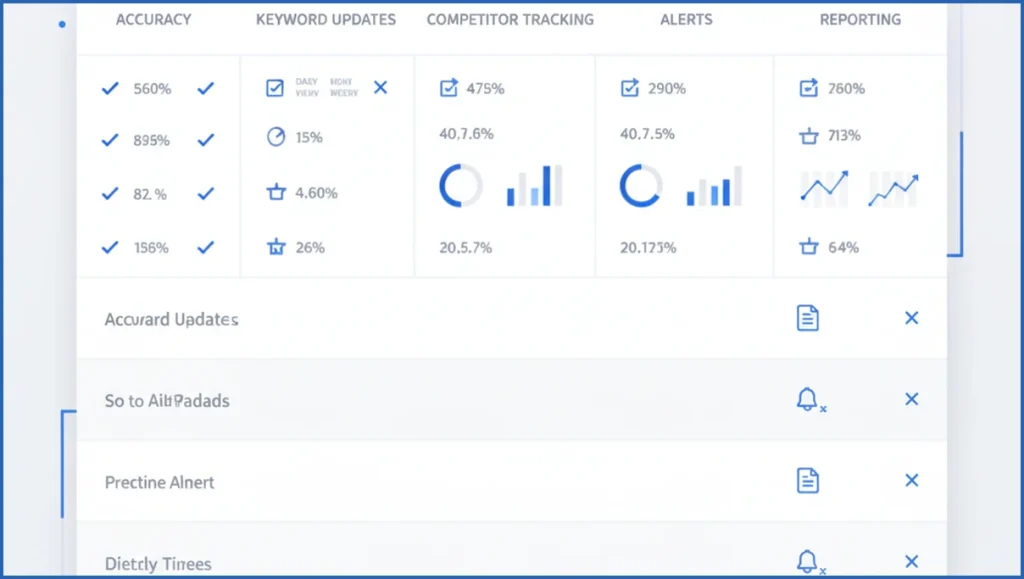
Start with accuracy. Ask how often the tool refreshes rankings, whether it supports mobile and desktop separately, and how it handles location. A tracker that updates daily but misses local pack movement can mislead local SEO teams. SERP coverage also matters. You want organic positions, featured snippets, AI Overviews where available, People Also Ask, and competitor overlap.
Next, check automation and reporting. Useful alerts tell you when a page loses 20% of tracked visibility, not when one keyword moves by a single spot. Reporting should support client-ready exports, scheduled emails, and segmented views by tag, page type, or cluster. This is where many teams overbuy. They pay enterprise rates for features they could replace with a lighter automation stack.
Best AI Rank Tracker Types for Different Use Cases
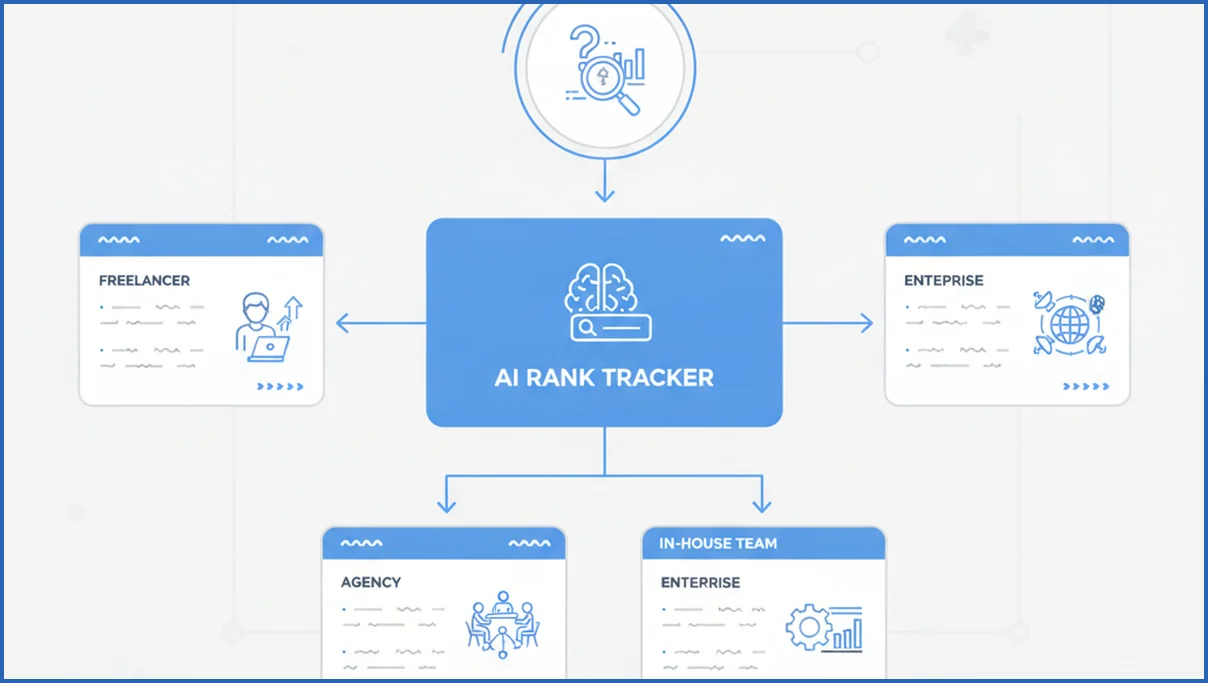
Freelancers usually need speed, low keyword caps, and clean reports. A simple tracker with AI summaries is enough if you manage 5 to 15 sites. Agencies need tags, client workspaces, white-label exports, and competitor benchmarks. In-house teams care more about integration with analytics, content planning, and issue triage across hundreds of URLs.
Beginners often do better with opinionated tools that explain changes in plain language. Advanced teams may prefer modular stacks. One common setup is rank tracking plus GSC analysis plus content briefs. That is close to the approach behind this GSC analysis playbook and automated content brief workflows.
How to Compare Accuracy, Alerts, and Reporting
Run a controlled test for 14 days. Track the same 50 keywords, on the same device and location, across two or three tools. Include branded, non-branded, local, and high-volatility terms. Then compare not just raw positions, but update lag, SERP feature detection, and how often alerts were useful.
Use a simple process:
- Export your baseline keyword set from GSC or your current tracker.
- Tag keywords by page, intent, and market.
- Review daily deltas for missed updates and false alerts.
- Test one weekly report with a real stakeholder.
- Score each tool on trust, speed, and clarity.
Here is a lightweight scoring model:
accuracy_score = (matched_positions / total_keywords) * 40
alert_score = useful_alerts / total_alerts * 30
report_score = stakeholder_rating * 3
total_score = accuracy_score + alert_score + report_score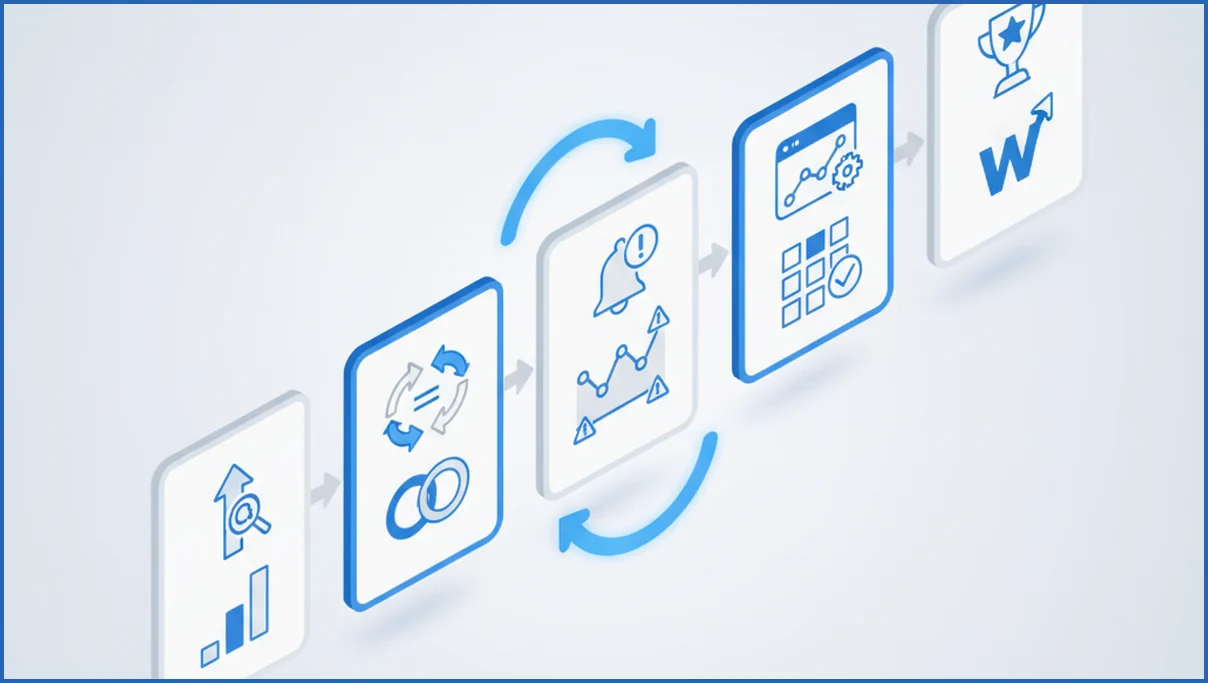
Pricing Tradeoffs: Free, Starter, and Enterprise Plans
Free plans are fine for spot checks and small tests. They usually limit keyword count, history, refresh rate, or exports. Starter tiers often cover one marketer well, but can get expensive once you need multiple locations, competitor sets, and branded reports. Always check overage pricing. That line item catches teams more often than the base subscription.
Enterprise plans earn their price when they cut manual work across many stakeholders. If your reporting needs map to broader planning, compare costs against your full SEO budget and pricing assumptions, not just rank tracking alone.
Which AI Rank Tracker Is Best for Your Workflow?
The best choice depends on what decision you need the tool to improve. If you publish a lot, prioritize page-level clustering and alert quality. If you sell local services, make location accuracy the first filter. Agencies should rank reporting and permissions higher than fancy summaries. For many teams, the smarter move is a smaller tracker plus MCP-based analysis tools that answer deeper questions.
A simple comparison table helps keep the choice honest:
| Feature | Simple Tracker | AI-Heavy Tracker | Verdict |
|---|---|---|---|
| Rank checks | Usually solid | Usually solid | Parity in many cases |
| Insights | Limited | Better summaries and grouping | AI tool wins |
| Reporting | Often cleaner | Can be cluttered | Simple tool can be better |
| Cost | Lower | Higher | Buy only if insights save time |
Frequently Asked Questions
What is the difference between an AI rank tracker and a regular rank tracker?
A regular rank tracker records positions and trends. An AI rank tracker adds interpretation. It can group keyword changes, detect anomalies, summarize likely causes, and connect shifts to page templates or competitors. That does not guarantee better data. It means less manual analysis after the data arrives, which matters more for busy teams than for one-off keyword checks.
How accurate are AI rank tracker tools?
Accuracy varies by keyword type, device, country, and SERP volatility. Most solid tools are directionally reliable, but exact positions can differ on the same day. Test them with your own keywords for two weeks. Focus on consistency, refresh speed, and SERP feature tracking. A tool that is slightly off but stable is often more useful than one that changes numbers unpredictably.
Can an AI rank tracker monitor local SEO rankings?
Yes, if the tool supports geo-specific tracking down to city or ZIP level and separates mobile from desktop results. Check whether it tracks map pack movement, not just standard organic rankings. Local businesses should also test proximity-sensitive terms, because those can swing hard between neighborhoods. Vendor claims matter less than a side-by-side test using your actual service areas.
Do AI rank trackers support competitor tracking?
Most do, but depth varies a lot. Some only show overlapping keywords and average position. Better tools track share of voice, SERP feature wins, landing page swaps, and ranking momentum over time. For agencies, competitor views should also filter by tag or client. Otherwise the data looks impressive but does not help with actual prioritization or reporting.
What features matter most in a rank tracking tool?
Start with accurate updates, location controls, device segmentation, and useful reporting. After that, look for alerts that reduce noise, page-level grouping, and competitor views. AI summaries are helpful only when they point to a next step. A pretty dashboard is low priority if exports are weak or if the tool cannot separate keyword trends by site section.
Are free AI rank tracker tools worth using?
They are worth using for validation, spot checks, and early research. They are rarely enough for ongoing reporting or large keyword sets. Watch for limits on history, update cadence, locations, and exports. Free plans make sense when you are testing workflows first. They break down once rankings need to feed client reports, content planning, or weekly performance reviews.
Before you commit, run the 14-day test with a fixed keyword set and one real reporting use case. Most teams do not need the tool with the longest feature list. They need the one whose alerts they trust and whose reports people actually use.

