
Last updated: July 2026
Connecting Claude to GA4 changes the job from exporting reports to asking direct questions against live analytics data. That matters when you need answers in minutes, not after another spreadsheet pass. With an MCP bridge in place, Claude can pull metrics, compare periods, and summarize trends with enough structure to support real SEO and content decisions.
TL;DR
- Set up Claude-to-GA4 access through MCP in a few steps.
- Use GA4 data securely without manual exports or spreadsheets.
- Check permissions, scopes, and connector health before querying.
- Ask better questions to get faster, clearer analytics answers.
What Claude to GA4 via MCP actually does
MCP gives Claude a controlled way to query GA4 instead of guessing from pasted screenshots. If you are new to the protocol, how MCP servers work is simple enough: Claude sends a structured request, the connector returns approved analytics data, and Claude formats the answer.
In practice, that means you can ask for sessions by landing page, conversion trends over 28 days, or channel comparisons without opening GA4. A proper GA4 MCP server for Claude also cuts copy-paste mistakes. You keep one source of truth and spend more time interpreting signals.
Prerequisites before you connect Claude to GA4
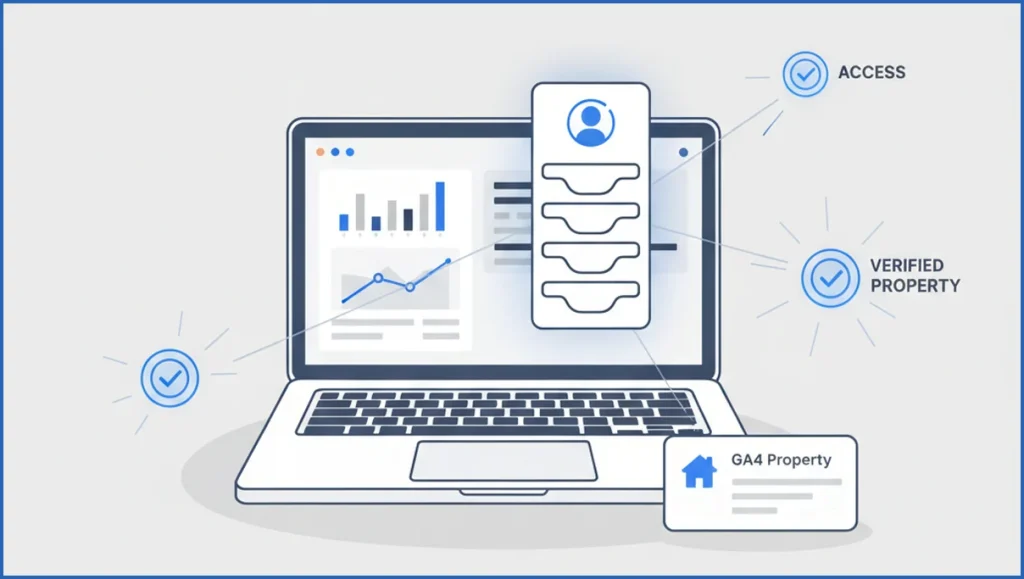
Start with access. You need a Claude environment that supports MCP, a Google account with GA4 access, and the correct property ID. In GA4, Viewer access is enough for basic reads, but Analyst access avoids friction when you need broader exploration.
Next, check the property itself. Make sure data collection works, key events are configured, and your dimensions actually exist in reports. A broken property will still authenticate, then return useless output. If you want the underlying setup options, SaveYourClicks MCP integrations gives you the current server entry points.
Step-by-step: connect Claude to GA4 with MCP
Pick your connector first. Most teams use a hosted MCP server or a local config that exposes GA4 tools to Claude. Then authenticate your Google account and grant only the scopes required for Analytics reads.
After auth, add the GA4 property ID and run one simple test query. For example, ask for sessions and users for the last 7 days. If that works, move to segmented questions. A solid setup looks a lot like the workflows in this Claude MCP guide.
- Enable the GA4 MCP connector in your Claude environment.
- Sign in with the Google account that has property access.
- Enter the property ID, then save the connection.
- Run a basic query against a short date range.
- Validate numbers against GA4 before wider use.
Prompt:
Pull GA4 data for property 123456789.
Show sessions, total users, and conversions for the last 7 days.
Break down by sessionDefaultChannelGroup.
Then compare against the previous 7-day period.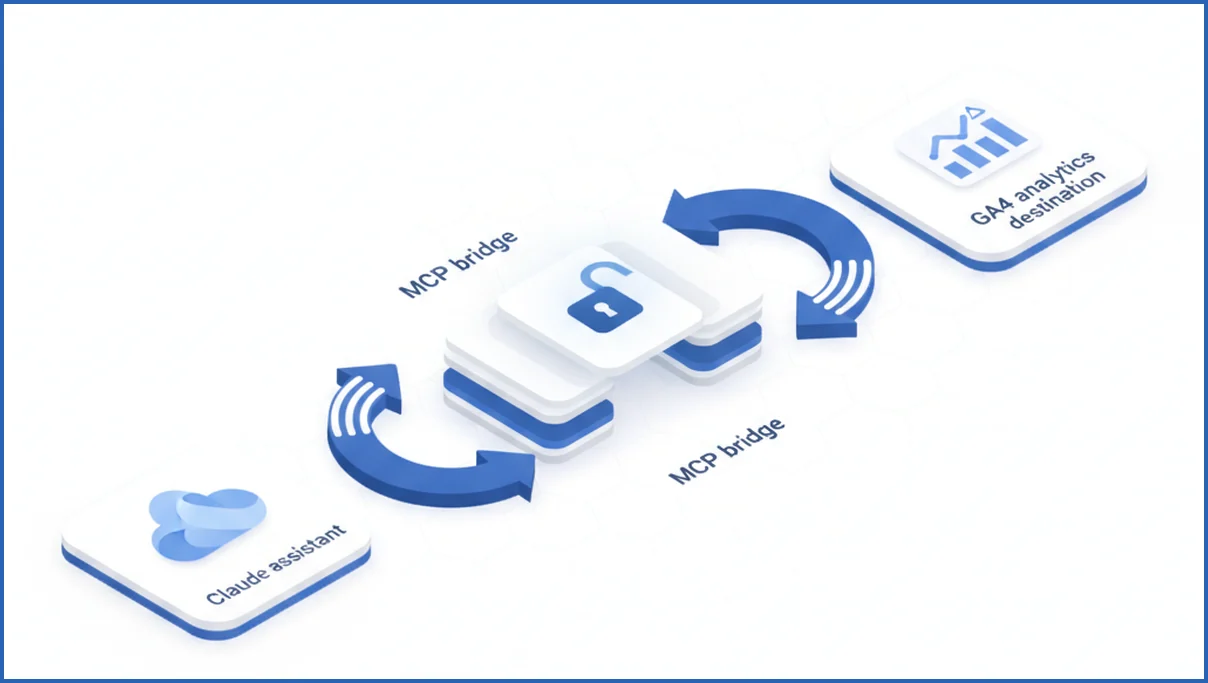
How to ask Claude for useful GA4 insights
Vague prompts create vague analysis. Ask for a metric, dimension, date range, and comparison frame every time. Good example: “Show organic landing pages with over 500 sessions in the last 30 days, plus engagement rate and conversions, sorted by conversion rate.”
You can also combine analytics with search data later. If your workflow includes Claude-based GSC analysis, use GA4 to confirm which pages earn traffic but fail to convert. That pairing is more useful than isolated traffic reporting.
For content teams, ask Claude to summarize anomalies. Example: “Find pages where sessions rose at least 20% week over week but conversions fell.” That gives you action, not a dashboard dump.
Common setup errors and how to fix them
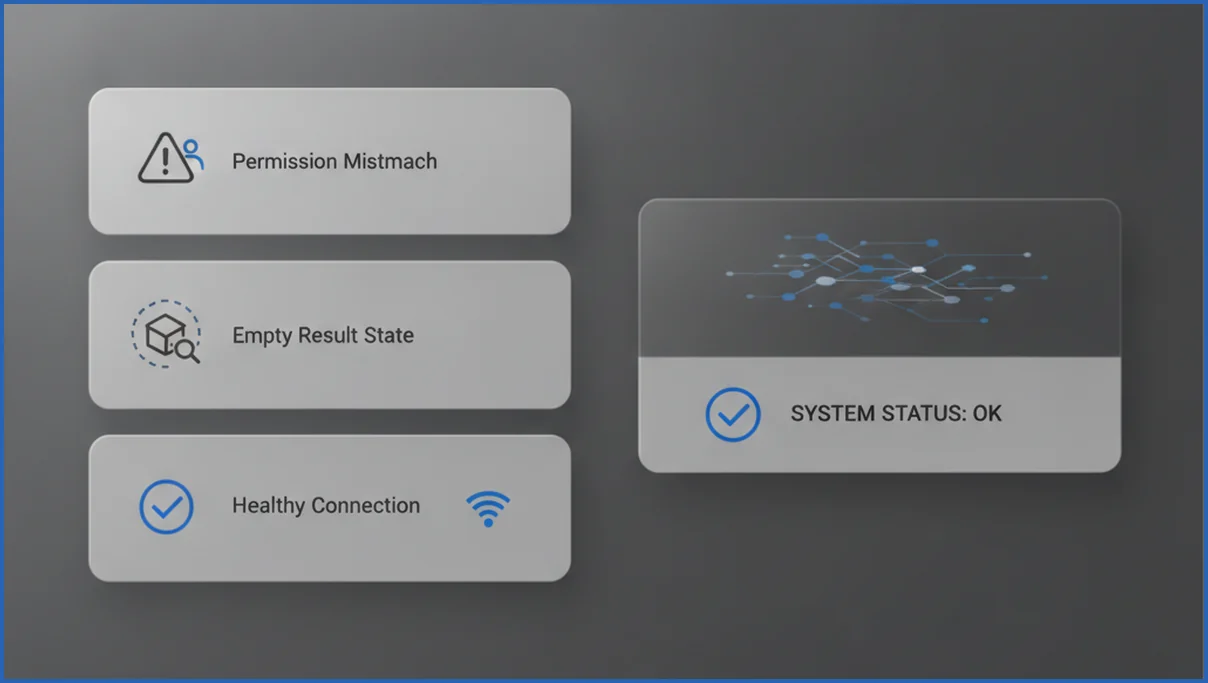
The most common failure is a permission mismatch. Claude authenticates, but the Google account lacks access to the selected property. The next issue is using the wrong property ID, especially in accounts with test and production properties side by side.
Empty results often come from unsupported dimensions, invalid date ranges, or low-data properties. Start smaller. Query 7 days, one metric, one dimension. If the connector still fails, recheck scopes and connector status in your AI SEO tooling stack.
Best practices for secure, reliable reporting
Use least-privilege access and separate reporting properties from admin accounts when possible. Name saved prompts by use case, such as “weekly organic landing page review” or “paid traffic conversion check,” so teams repeat good queries instead of inventing new ones each week.
Finally, validate a few outputs against native GA4 before you trust automated summaries. Then document the prompt patterns next to your reporting process. If your team is building broader measurement workflows, this review of SEO automation software helps frame where MCP fits and where manual QA still matters.
Frequently Asked Questions
Do I need coding skills to connect Claude to GA4?
No, not always. Many setups use a hosted MCP connector with a login flow and a property ID field. You may need light configuration, but not full development work. The harder part is usually permissions and data hygiene, not code. If you can verify a GA4 property and follow an auth flow, you can usually get the connection working.
Can Claude read all GA4 reports automatically?
Not exactly. Claude can only access what the MCP server exposes and what your GA4 permissions allow. Some standard metrics and dimensions work immediately, while certain custom definitions or niche report views may need extra support. Treat Claude as a query layer over approved GA4 data, not as a full replacement for every native GA4 interface.
Is MCP required for Claude to access GA4?
If you want direct, structured access to live GA4 data, yes, MCP or a similar approved integration layer is the practical route. Without it, you are limited to manual exports, pasted tables, or screenshots. That still works for one-off analysis, but it does not scale well when you need repeated reporting or consistent prompt-driven answers.
What permissions does GA4 need for Claude?
Claude itself does not get GA4 permissions. Your connected Google account does. In most cases, Viewer or Analyst access at the property level is enough for reporting queries. Avoid broader admin rights unless your setup truly needs them. Keep scopes limited to read access so the connection can answer questions without creating unnecessary security risk.
Why is Claude returning empty GA4 results?
Usually one of five issues causes this: wrong property ID, missing user access, unsupported dimension combinations, an invalid date range, or a property with too little data. Test a very simple query first, such as users by day for the last 7 days. If that fails, troubleshoot auth and property selection before changing prompts.
Can I use this setup for multiple GA4 properties?
Yes, if your connector supports switching properties or storing more than one configuration. Agencies and in-house teams often run one prompt template across several properties by swapping the property ID. Just label each property clearly and verify environment names. Confusing staging, sandbox, and production properties is one of the easiest reporting mistakes to make.
Your first useful test is not a fancy dashboard summary. Ask Claude for one metric, one dimension, and one date range, then compare it to native GA4. If the numbers match, build upward from there.

