
Last updated: September 2026
Internal Linking Automation: A Practical Claude Code Playbook starts with a simple truth. Most sites already have enough content, but the connections are weak. As page counts climb past 200 URLs, editors miss obvious linking opportunities and valuable pages stay under-supported. Claude Code helps you turn crawl data, page intent, and anchor rules into a repeatable system. If you are planning broader AI-assisted SEO operations, our SEO automation software review gives useful context on where this workflow fits.
TL;DR
- Turn internal linking into a repeatable, automated workflow.
- Use Claude Code to find link opportunities faster.
- Prioritize pages that deserve more authority and clicks.
- Build a safe review loop before publishing changes.
Why internal linking automation matters for SEO
Internal links shape crawl paths, topical signals, and page discovery. They also influence which URLs collect authority from the rest of the site. On a 500-page content library, manual linking often means the same 20 pages get all the links while newer pages get none.
Automation helps because the work is repetitive, not because judgment disappears. You can define rules for intent match, page type, and anchor variation, then let Claude Code surface candidates at scale. That fits well with a broader SEO automation stack where humans review final edits.
A simple example. Say your comparison article ranks at positions 8-12 for 47 queries, but it has only two internal links pointing in. Adding 6-10 relevant links from cluster pages can improve crawl frequency and user movement without rewriting the page.
Set up your page inventory and linking rules
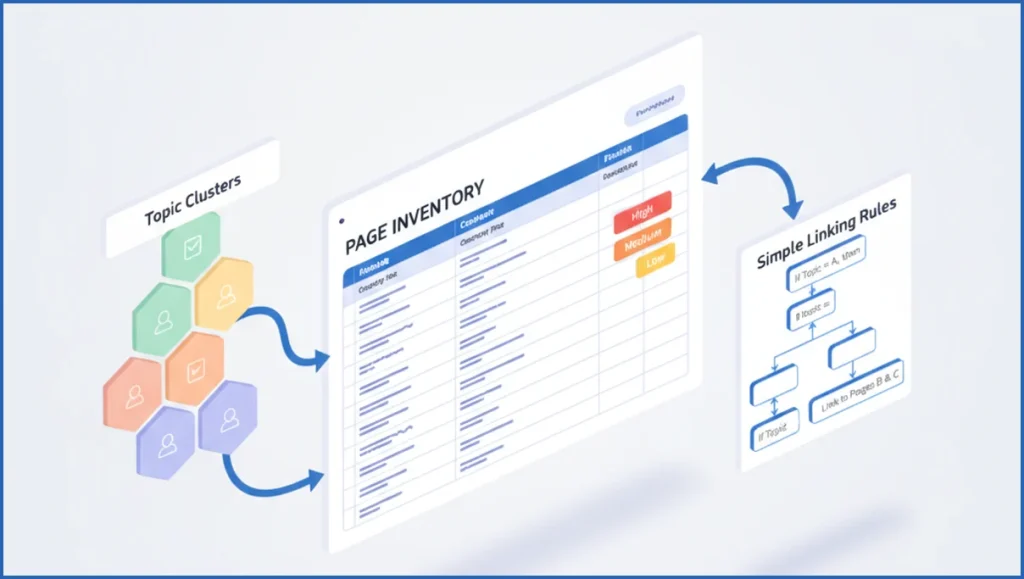
Good automation starts with clean inputs. Build a sheet with URL, primary topic, search intent, page type, status code, priority score, and target anchor phrases. Add a column for pages you never want linked, such as expired promos, thin tag pages, or legal URLs.
Next, set rules that Claude can follow. Example rules: only link between pages with matching search intent, limit one link per target per article, avoid exact-match anchor reuse above 30 percent, and favor pages within two topic-cluster hops. If you already use keyword clustering with Claude Code, reuse those clusters here.
Keep the scoring plain. Many teams use a 1-5 priority field based on revenue relevance, backlinks, or near-page-one rankings. Claude does better when the rule set is short and concrete, not when you dump a vague content strategy deck into the prompt.
Use Claude Code to surface link opportunities
Now give Claude Code two things. First, the article text. Second, your page inventory in CSV or JSON. Ask it to find contextual sentences where a link improves understanding, then return source URL, target URL, anchor text, and reason. If you want live performance context, pair it with the Google Search Console MCP endpoints.
One practical workflow is three steps.
- Export top pages and target URLs from your inventory.
- Run Claude Code against one article folder or CMS export.
- Review the suggestions in a CSV before editing the draft.
Example prompt and structure:
Analyze this article and suggest up to 8 internal links.
Use only targets from inventory.json.
Rules:
- Match informational intent to informational pages
- No homepage links
- Prefer priority scores 4-5
- Vary anchor text
Return JSON:
[{ "source_heading": "", "anchor": "", "target_url": "", "reason": "" }]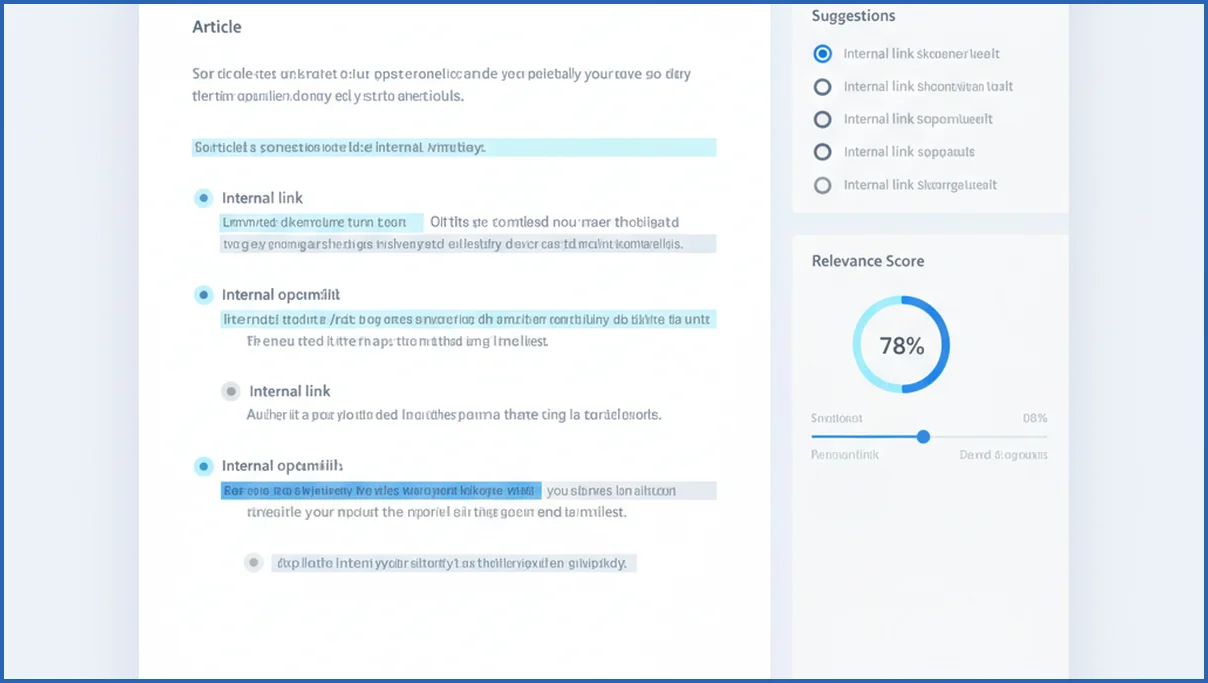
This works even better when Claude already understands your tooling model. If your team is new to that setup, the Claude MCP guide gives the underlying pattern. The goal is not magic. It is a reliable first pass that saves editorial time.
Filter suggestions by relevance, intent, and page value
Not every valid link is a useful link. Filter by three checks. Does the target match the paragraph intent. Does the destination page deserve more internal authority. Will the reader actually want the next click from that sentence.
Drop links that feel inserted for SEO alone. A definition paragraph should not force a product page. Likewise, a bottom-funnel service page should not soak up every generic anchor. This is where on-page SEO with AI needs editorial restraint, not just pattern matching.
A fast scoring model helps. Relevance 1-5, business value 1-5, ranking potential 1-5. Ship only suggestions scoring at least 10 out of 15. That removes most weak, technically correct but unhelpful links.
Publish with a human review and QA checklist
Human review is the safety layer. Check broken URLs, redirect chains, duplicate anchors, and link density. On a 1,500-word article, 5-9 internal links is usually enough. Past that, many pages start to look stuffed unless the content format justifies more.
Use a short checklist before publishing:
- Every link matches the surrounding sentence.
- No target appears more than once unless necessary.
- Anchors sound natural when read aloud.
- Important money pages get links from relevant supporting pages.
- No noindex, 404, or redirected targets.

Teams that already automate briefs can fold this into the same pipeline. For example, automated content briefs with Claude Code can include a required internal-link block and QA notes before a writer touches the draft.
Measure results and improve the workflow over time
Track what changes after publishing. Look at clicks and impressions for target pages in GSC, crawl activity in your logs if available, and ranking movement for pages that gained links. Give it 3-6 weeks before judging small sites, longer for low-crawl sections.
Also track process metrics. How many suggestions were accepted. Which rule caused the most bad outputs. Which page types gained links but no performance lift. Pulling post-change data through the GA4 MCP setup can help connect internal clicks with actual user paths.
Refine the rules quarterly. Many workflows improve after one blunt change, such as excluding low-value archive pages or reducing anchor exact match. Internal linking automation gets better when your rules get narrower, not broader.
What’s new in Claude Code for internal link automation
Claude Code is more useful for internal linking when you give it structured site inputs, clear rules, and a review step. The biggest practical shift is not magic link placement. It is better file handling, stronger instruction following, and smoother workflows for multi-step SEO tasks in many cases. That makes it easier to compare source pages, destination candidates, anchor options, and exclusion rules inside one repeatable process.
For teams using crawl exports, URL maps, and content inventories, Claude Code can now act more like a working analyst than a simple text assistant. You can ask it to read CSV files, group pages by intent, filter out noindex or canonicalized URLs, and propose links with reasons. If you also connect supporting data sources, such as Google Search Console MCP, you can prioritize pages with impressions but weak internal support instead of guessing.
- It handles larger structured inputs better when your crawl file includes columns like status code, title, word count, inlinks, and canonical target.
- It follows constrained prompts more reliably, such as limiting anchors to five words or excluding money pages from sitewide patterns.
- It is faster to turn one prompt into a reusable playbook for editors, SEOs, and developers working from the same rules.
Frequently Asked Questions
What is internal linking automation?
Internal linking automation is a workflow that uses rules and software to suggest or place links between pages on the same site. The useful version is semi-automated, not fully hands-off. You feed the system page data, topic labels, and constraints, then review suggested links before publishing. That cuts repetitive work while keeping editorial judgment in place.
Can Claude Code suggest internal links safely?
Yes, if you constrain the task. Give Claude Code an approved inventory, clear rules, and a fixed output format. Do not ask it to invent destinations from the open web or choose from stale site memory. It is safest when it can only pick from validated URLs and when a human checks anchors, redirects, and contextual fit before the edit goes live.
How do I avoid over-optimizing anchor text?
Use natural language anchors tied to the sentence, not repeated keyword blocks. Set a rule that exact-match anchors stay limited and that partial-match or descriptive anchors carry most links. You can also cap one target link per article unless the page genuinely needs two references. Reading the paragraph aloud usually catches anchors that sound forced.
Should every page get automated internal links?
No. Some pages should stay excluded. Thin archive pages, expired campaigns, duplicate variants, and low-intent utility pages often create noise. Focus on pages with ranking potential, conversion relevance, or clear topical authority. A smaller approved set usually produces better suggestions and cleaner site architecture than trying to link everything to everything else.
What data do I need before automating links?
Start with URL, title, topic cluster, page type, search intent, status code, canonical target, and a simple priority score. Performance data improves decisions, especially clicks, impressions, and query themes from Search Console. If you lack clean topic labels, fix that first. Weak classification causes more bad links than weak prompting does.
How often should I refresh internal link rules?
Review them every quarter or after major content changes. Refresh sooner if you launch a new category, merge content, or see repeated low-quality suggestions. Rules should evolve with the site, especially excluded page types, priority scoring, and anchor constraints. A stable site may need only light updates, but a fast publishing team should check the rules monthly.
Start with one topic cluster, not the whole site. Run the workflow on 20 to 30 pages, score the accepted links, and compare target-page clicks after a month. If the suggestions are messy, your inventory is probably the problem, not Claude Code.
How do I use Claude Code with a site crawl file for internal linking?
Export a crawl file from Screaming Frog or Sitebulb, then include columns like URL, title, H1, status, canonical, depth, inlinks, and word count. Upload that file to Claude Code with your target page list and linking rules. Ask it to filter invalid URLs, cluster related pages, and suggest source-to-target links with anchor text and justification. For a fuller workflow, pair crawl data with GSC analysis steps so suggestions reflect real search demand.
Next steps for a safer internal linking workflow
Claude Code works best when you treat internal linking like a data problem first and a writing task second. Clean crawl inputs, clear exclusions, and human review produce better results than fully automatic publishing. Start with one directory, test 25 to 50 recommendations, and measure crawl depth, assisted rankings, and click flow. If you want the broader setup behind these workflows, see our Claude MCP guide for the tooling layer.

