

Last updated: September 2026
SEO for Bloggers: Build an AI Stack That Saves Time starts with one honest problem. Most bloggers do not need more tools. They need fewer manual steps. A smart stack can speed up keyword clustering, briefs, refreshes, internal links, and reporting while keeping your judgment in the loop. The best workflows combine AI with clear rules, so you publish faster without losing accuracy, voice, or search intent.
TL;DR
- Use AI to speed up keyword research and topic selection.
- Turn one post idea into a full SEO workflow.
- Optimize drafts for search intent, headings, and internal links.
- Track results and refine posts without starting over.
Why SEO for Bloggers Needs an AI Stack Now
Publishing one solid post often means 8 to 12 separate tasks. You need keyword ideas, SERP checks, outline logic, entity coverage, on-page cleanup, and a refresh plan. AI can compress that work into one system. If your stack is loose, it creates noise. If it is structured, it saves hours each week.
Most bloggers do not need ten tools. They need a few tools with clear jobs. One tool for search data, one for clustering, one for drafting support, and one for performance review is enough. If you want a broader view of where this is heading, practical SEO planning for 2026 is a useful frame.
A simple example: pull 90 days of Search Console data, group terms in positions 8 to 20, and ask AI for refresh candidates. Then generate three angle options for each page. That is faster than opening fifteen tabs. It also keeps strategy with the writer, not the software.
Map Your Blog SEO Workflow Before Picking Tools
Start with the actual work. List each step from idea to refresh. For most blogs, that means topic discovery, keyword grouping, brief creation, drafting, on-page edits, publishing, and monthly review. This prevents random subscriptions that solve nothing.
Use a numbered workflow and assign one owner or tool to each step. That clarity matters more than features. SEO automation software choices only make sense after you know where the bottleneck sits.
- Collect ideas from Search Console, forums, and competitor pages.
- Group keywords by intent and article type.
- Build a brief with angle, heading plan, FAQs, and internal links.
- Draft fast, then edit for clarity and evidence.
- Publish with metadata, schema notes, and link checks.
- Review every 30 to 60 days for decay or new opportunities.
Choose the Best AI Tools for Keyword Research and Ideas
Separate discovery from prioritization. Discovery finds topics. Prioritization decides what deserves a post. ChatGPT, Claude, and Gemini can suggest angles, but they are weak without search data. Pair them with Search Console, keyword tools, or your own site analytics.
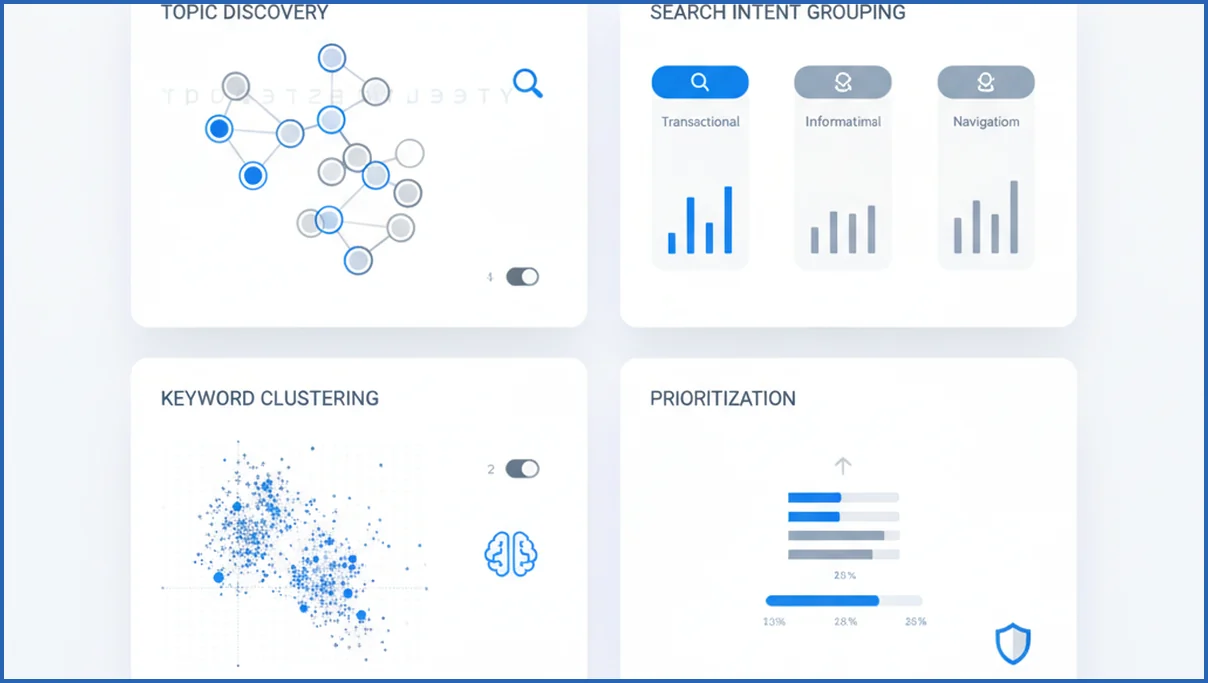
A strong setup is Search Console plus clustering plus editorial judgment. The Google Search Console MCP for Claude is useful because it lets you inspect real query data inside the workflow. For clustering logic, a keyword clustering playbook helps turn raw terms into post structures.
| Feature | Claude | ChatGPT | Verdict |
|---|---|---|---|
| Intent grouping | Strong with long context | Fast and flexible | Claude is better for bigger keyword sets |
| Idea generation | Precise | More varied | ChatGPT is better when you want more creative angles |
| Using your site data | Strong with MCP workflows | Depends on setup | Claude wins if you work from Search Console exports |
Use AI to Build Better Blog Briefs and Outlines
A brief should do more than list keywords. It should define the reader problem, the likely intent, the article type, key subtopics, examples, and internal link targets. That is where AI saves time. It can turn one core term into a usable structure in minutes.
For example, give Claude a primary keyword, five supporting queries, three competing URLs, and your brand angle. Ask for an outline with missing-subtopic notes and FAQ ideas. Automating content briefs with Claude Code is a good model if you want a repeatable system.
Create a blog brief for "seo for bloggers".
Include:
- search intent
- ideal reader
- H2/H3 outline
- 5 FAQ questions
- internal link suggestions
- 3 unique examples
Keep the tone practical and specific.
Optimize Drafts for On-Page SEO Without Sounding Robotic
AI can clean structure fast, but it often flattens voice. Use it for titles, heading order, meta description drafts, schema prompts, and internal link suggestions. Then edit every paragraph yourself. On-page SEO with AI works best when the model handles the checklist and the writer handles nuance.
One practical workflow is simple. Ask AI to flag missing entities, thin sections, repeated phrasing, and weak intros. Then rewrite the final draft from the reader’s point of view. If a sentence sounds like it could fit any blog, cut it. Specific examples, numbers, and opinions are what make a post feel human.
Create a Simple Publish-and-Refresh System
Publishing is not the finish line. Good blog SEO comes from refreshes. Review posts every month for falling clicks, rising impressions with low CTR, and queries stuck in positions 8 to 15. That is usually where the easiest gains sit.
A lean system uses GA4 for engagement and Search Console for query movement. A GA4 MCP setup helps summarize page performance without manual exports. Pair that with the Search Console analysis playbook to spot pages that need a stronger intro, fresher examples, or better internal links.
Keep the rules simple. Refresh if clicks drop for 28 days, if impressions rise without CTR growth, or if the SERP has shifted to a different intent. Most bloggers do better with ten meaningful updates per month than thirty new posts nobody revisits.
Write for AI Overviews and answer engines
Blog posts that win in AI Overviews usually answer one specific question fast, then expand with useful detail. Start each section with a plain answer sentence. After that, support it with context, examples, tradeoffs, or steps. This structure helps both readers and retrieval systems. In many cases, a 40-word answer block near the top performs better than a long introduction that delays the point.
Formatting choices also influence whether your content is easy to cite. Use question-based H2s, concise definitions, numbered processes, and tables for comparisons. If you review tools, mention exact product names like Ahrefs, Semrush, Surfer, Frase, or Google Search Console. Specificity gives language models more confidence when summarizing your page. Broad claims without evidence are less useful than a short, testable statement backed by an example or source.
Originality matters more now because AI systems can already restate common advice. Add firsthand screenshots, small experiments, opinionated examples, or niche workflows. A blogger writing about recipe SEO, for example, should include schema choices, image naming conventions, and actual click changes over 30 or 90 days. For a broader framework, review this answer engine optimization guide.
One practical editing pass helps. Ask whether each section can stand alone as a quoted answer. If not, tighten the lead sentence, remove filler, and make the takeaway explicit. That simple habit improves both scanability and answer-engine usefulness.
How AI Mode changes SEO for bloggers in 2026
Google AI Mode pushes bloggers to optimize for retrieval, synthesis, and follow-up questions, not just blue links. Google expanded AI Mode and AI Overviews as part of its broader search experience, which means more users get summaries before clicking through (Google I/O 2025). For bloggers, that changes what earns visibility. Posts need sharper structure, clearer claims, and stronger evidence so search systems can quote or summarize them accurately.
This does not mean traditional SEO stopped mattering. Titles, internal links, crawlability, and query targeting still support discovery. But formatting now matters more. Short answer blocks, comparison tables, definitions, and step lists are easier for answer systems to parse. If you want a deeper breakdown of the shift, see this guide to Google AI Mode.
- Lead with the direct answer in the first 100 words.
- Use descriptive subheads that match real follow-up questions.
- Add original examples, screenshots, or data that generic AI summaries cannot replace.
Frequently Asked Questions
Is AI good for SEO for bloggers?
Yes, if you use it for the right jobs. AI is good at summarizing SERPs, grouping keywords, drafting outlines, and spotting weak sections. It is not good at knowing your lived experience or your brand point of view. Bloggers get the most value when AI handles repetitive tasks and the writer keeps control of examples, claims, and final edits.
Which AI tools help bloggers with keyword research?
Use an AI model plus a real data source. Claude or ChatGPT can group terms and suggest angles, but Search Console, GA4, Ahrefs, or Semrush provide the evidence. A practical setup is Search Console for query data, Claude for clustering, and a spreadsheet for prioritization. That keeps ideas tied to actual demand instead of generic topic brainstorming.
How do I avoid AI content sounding generic?
Give the model better inputs and do a human rewrite pass. Include target reader, search intent, competing pages, your unique angle, and specific examples. Then cut vague phrases, repeated transitions, and empty claims. Add one real workflow, one number, and one opinion per section. Generic output usually comes from generic prompts, not from AI alone.
Can AI help update old blog posts for SEO?
Yes. It is especially useful for refresh audits. Feed AI your current page, recent Search Console queries, and top competing headings. Ask it to find missing subtopics, dated examples, thin sections, and title options with better CTR potential. You still need to approve changes, but AI speeds up the diagnosis and first draft of the update.
What should bloggers automate first for SEO?
Start with repeatable research tasks. Keyword grouping, brief creation, internal link suggestions, and monthly performance summaries are the safest wins. Those steps eat time and follow clear rules. Do not automate final publishing or factual claims first. If you rush those parts, you save minutes and create cleanup work that costs hours later.
How many keywords should one blog post target?
Target one main keyword and a tight cluster of related terms. For most posts, that means one core topic plus 5 to 20 natural variations, questions, and supporting entities. The exact number matters less than intent match. If the terms imply different article types, split them. One post should solve one search problem clearly.
Do bloggers still need manual editing after AI drafts?
Absolutely. Manual editing is where quality happens. AI drafts often miss context, over-explain obvious points, and use flat language. A human editor should tighten intros, remove filler, verify claims, improve transitions, and add firsthand examples. If you skip that pass, the post may be technically optimized but still weak on trust, clarity, and memorability.
Audit your last five posts before you buy another tool. If you cannot point to the slowest step in your workflow, your stack is still too vague.
How should bloggers optimize posts for AI Overviews?
Start with a direct answer near the top, then expand with clear subheads, steps, and examples. Use specific entities, such as product names, dates, and metrics, so summaries have something concrete to cite. Add original insights, screenshots, or data whenever possible. Keep paragraphs tight, answer likely follow-up questions, and make each section understandable on its own.
Next steps for a simpler blogger SEO stack
The best AI stack for bloggers does not automate everything. It removes repeat work, highlights opportunities faster, and leaves final decisions to you. If AI Mode and AI Overviews keep expanding, the advantage goes to bloggers with clean workflows, structured posts, and better measurement. Build around useful outputs, not tool hype, and refine your process each month as search behavior changes.

