
Last updated: July 2026
Automate Your AI Content Brief with Claude Code starts paying off when your team stops rebuilding the same brief from scratch. Most delays come from gathering search data, notes, examples, and brand rules across too many tools. Claude Code helps turn that messy prep into a reusable workflow. If your process already depends on connected data, this Claude MCP guide shows why tool access changes the quality of planning output.
TL;DR
- Turn scattered inputs into one repeatable brief workflow.
- Use Claude Code to draft, structure, and standardize briefs.
- Reduce back-and-forth with clearer SEO and audience guidance.
- Create briefs your writers can actually execute.
Why automate content briefs in the first place
Most teams do not struggle with ideas. They struggle with consistency. One strategist writes a 900-word brief with examples and SERP notes. Another sends six bullets in Slack. That gap creates uneven output, slower approvals, and wasted editor time.
Automation fixes the assembly layer. Claude Code can collect repeated fields, enforce structure, and flag missing context before a writer starts. That matters more if you publish 12 to 40 pieces a month, or manage several clients at once. If you already run structured content ops, this fits naturally beside an AI copywriting workflow and a broader content planning system.
What Claude Code can do in a brief workflow
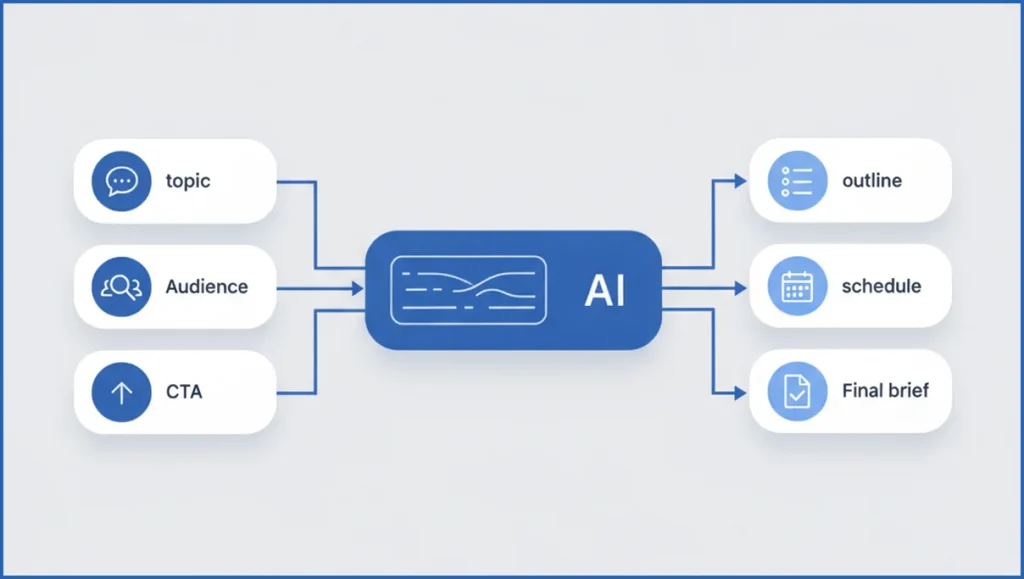
Claude Code works well when the job has clear inputs and a fixed output format. For briefs, that means topic, audience, intent, keyword cluster, angle, CTA, and brand constraints. It can turn that pack into a draft brief with headings, key questions, supporting points, and writing instructions.
A practical setup is simple. Pull query data from the Google Search Console MCP tools, add notes from a strategist, then ask Claude Code to generate a standard brief file. You get fewer blank sections and far less copy-pasting. If you need the plumbing explained first, review how MCP servers work.
Define the inputs your AI content brief needs
The minimum viable brief is smaller than most teams think. You need the primary topic, intended reader, search intent, business angle, CTA, and hard constraints. Constraints include word count, product claims you can support, internal links to include, and pages to avoid cannibalizing.
Keyword data helps, but only if it stays organized. A cluster of 18 terms is useful. A spreadsheet dump of 400 terms is not. Keep one primary term, 4 to 8 supporting terms, and 3 competitor observations. For search-first workflows, keyword clustering with Claude Code makes this step easier.
- Topic: “ai content brief”
- Audience: SEO manager at a SaaS company
- Intent: learn a repeatable workflow
- Angle: speed up briefs without losing strategy
- CTA: book a workflow review or test the process internally
Set up a repeatable brief-generation prompt
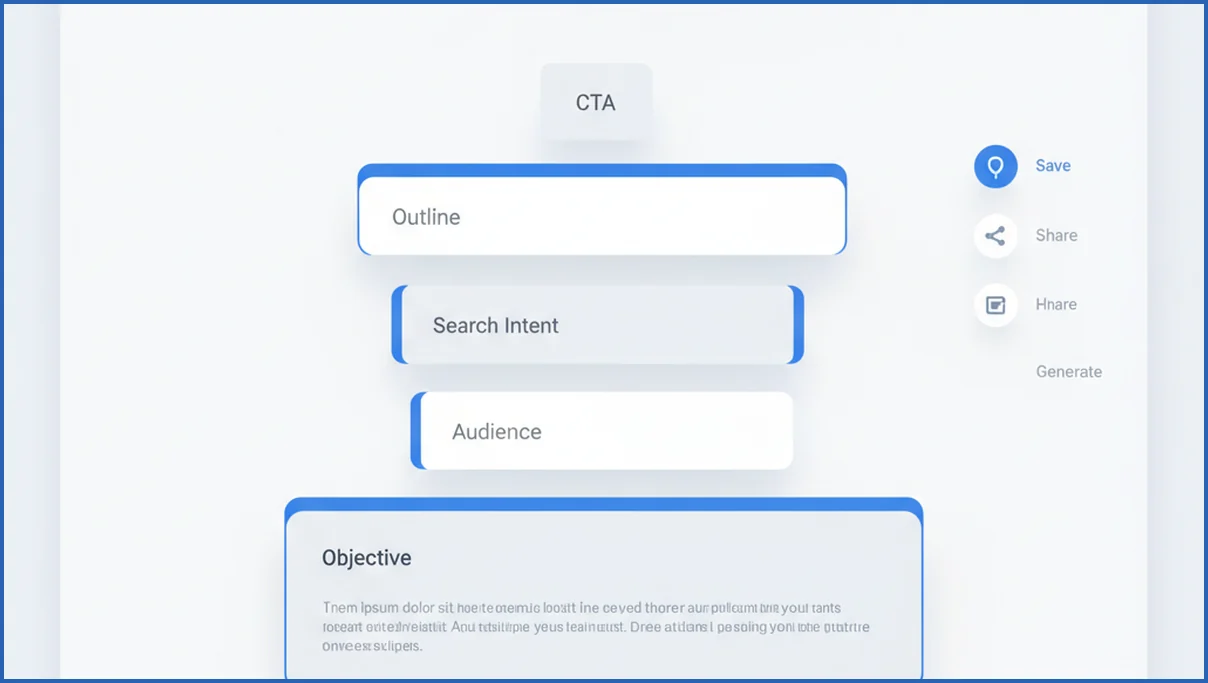
Use one prompt template for every brief. That is how you get comparable output across writers and accounts. Ask Claude Code to return fixed sections such as objective, target reader, search intent, primary keyword, secondary terms, outline, evidence to include, internal links, tone notes, and exclusions.
Here is a compact example you can adapt:
Generate an ai content brief using this structure:
1. Objective
2. Audience
3. Search intent
4. Primary keyword
5. Secondary keywords
6. Recommended outline
7. Key questions to answer
8. Internal links to include
9. CTA
10. Brand and compliance constraints

Inputs:
Topic: {topic}
Audience: {audience}
Intent: {intent}
Keywords: {keywords}
Angle: {angle}
CTA: {cta}
Constraints: {constraints}
Then add one rule that matters a lot. Tell Claude Code to mark any missing input as “required before drafting.” That single instruction cuts vague briefs fast. Teams doing AI blog writing at scale usually need this guardrail more than better prose.
Review, refine, and standardize the output
Do not publish the first draft brief into your workflow untouched. Review for search intent mismatch, weak differentiation, and empty claims. If the brief says “be comprehensive,” replace it with specifics like “explain setup in five steps” or “compare two workflows.” Writers can act on concrete instructions.
Next, standardize editorial rules. Define reading level, banned phrases, citation rules, and product naming. One editor can QA 20 briefs much faster when each follows the same frame. This gets even stronger when paired with a Claude Code SEO analysis process that feeds real performance data back into the next brief.
Scale briefs across teams and content types
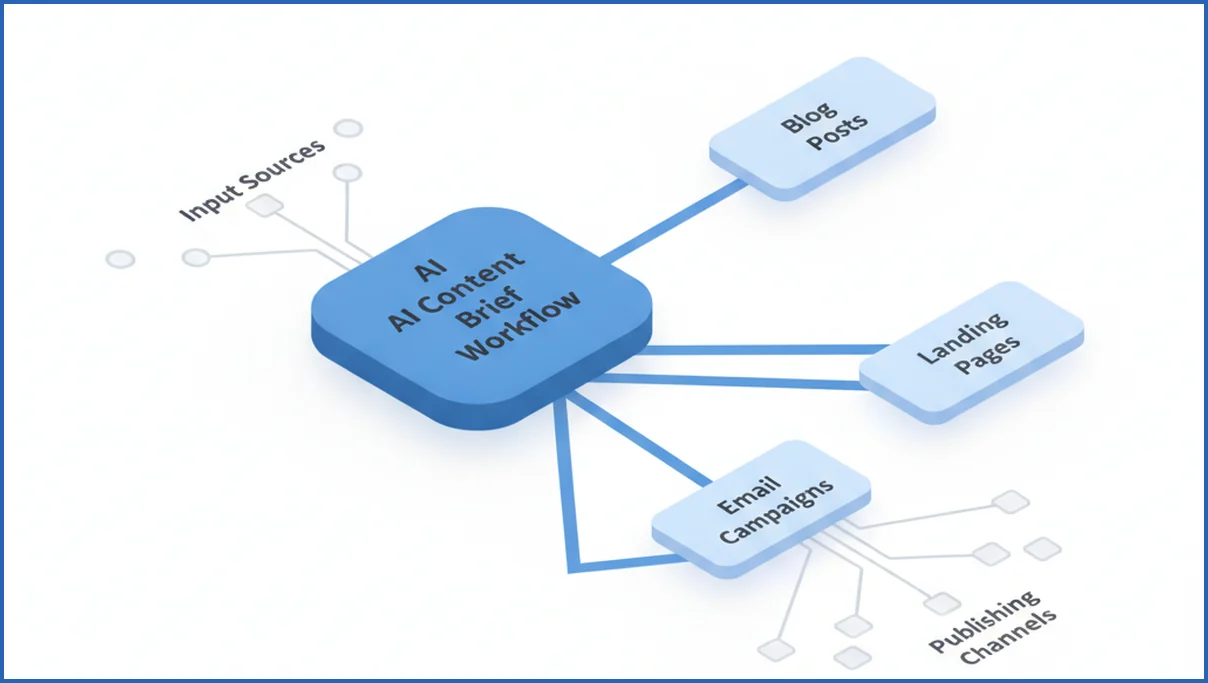
The same workflow works for blog posts, landing pages, comparison pages, and campaign assets. You only need to swap the output schema. A landing page brief needs objections and proof points. A blog brief needs questions, subtopics, and internal link targets.
Use a simple operating model:
- Keep one master prompt.
- Create one variant per content type.
- Store approved briefs as examples.
- Review output monthly against rankings and conversions.
Agencies benefit because junior staff can assemble clean first drafts. In-house teams benefit because subject matter experts spend less time formatting notes and more time sharpening the angle. That is where automation usually earns its keep.
What’s new in Claude Code for brief automation
Claude Code is better suited to repeatable brief assembly when you pair it with tool access, local files, and structured prompts. That matters because most briefs are not blocked by writing. They are blocked by scattered inputs. You need search insights, brand notes, page goals, and competing angles in one place. Anthropic’s MCP approach makes that easier by letting Claude connect to approved tools and data sources during a workflow, rather than relying on pasted context alone (per Anthropic docs).
For content teams, the practical upgrade is less copy generation and more systems thinking. Claude Code can inspect source documents, summarize patterns, and format a brief template with fewer manual steps. If you connect Search Console data through Google Search Console MCP, it can also pull query themes and landing page signals that sharpen intent mapping. That creates stronger first drafts for strategists, editors, and writers.
- Use one prompt to combine SERP notes, brand rules, and target keywords into a consistent brief structure.
- Pull approved data sources into the workflow instead of pasting screenshots and spreadsheet fragments.
- Standardize outputs like audience, intent, entities, internal links, and content risks across every brief.
Frequently Asked Questions
Can Claude Code generate a full content brief?
Yes, if you give it enough structure. Claude Code can draft objectives, audience notes, intent, outline, questions to answer, CTA, and constraints. It is strongest when you define the output format first. It is weaker when you expect it to infer business context from a vague topic alone. Treat it like a fast operator, not an automatic strategist.
What inputs should an AI content brief include?
Start with six fields: topic, target audience, search intent, unique angle, CTA, and constraints. Then add keyword cluster, competing pages, internal links, and proof requirements if you have them. That set is enough for most SEO briefs. If a writer still asks basic questions, your inputs are too thin or your intent is unclear.
How do I keep AI-generated briefs on brand?
Store house style inside the prompt and the review checklist. Include tone examples, banned claims, product naming rules, and citation standards. You can also provide two approved briefs as reference files. Brand drift usually comes from weak constraints, not from the model itself. The tighter your template, the less cleanup editors need later.
Is Claude Code better than a brief template?
A static template is useful, but it does not assemble the draft for you. Claude Code takes the template and fills it from real inputs. That saves time when you run many briefs each month. Templates still matter because they define quality. In practice, the strongest setup is both: a fixed template plus automated generation.
How often should content briefs be updated?
Update them when the SERP changes, the offer changes, or the page underperforms for 6 to 12 weeks. Evergreen topics can still drift. Competitors add sections, Google rewrites intent, and your internal linking priorities move. A brief should not live forever. Tie revisions to performance reviews so the process stays grounded in actual results.
Can this workflow work for agencies and in-house teams?
Yes, but the governance differs. Agencies need client-specific prompt variants, approval steps, and clearer brand constraints. In-house teams usually need stronger subject matter review and easier access to analytics. Both models work if one person owns the template. Shared ownership sounds nice, but it often produces messy prompts and uneven briefs.
If you test this, start with ten briefs from one content type and compare edit time, writer questions, and output consistency. If those numbers do not improve, your prompt is not the problem. Your inputs are.
Can Claude Code pull live research into a content brief?
Yes, if you connect Claude Code to approved sources through MCP or local research files. It can pull fresh query data, page performance, and reference notes into the brief draft. The safer setup is curated access, not open web scraping. For teams new to this model, MCP server basics help clarify how live tool access works and where human review still matters.
Next steps for a stronger brief workflow
The best Claude Code workflow does not replace editorial judgment. It removes repetitive assembly so strategists can focus on intent, differentiation, and accuracy. Start with one brief template, one approved data path, and one review checklist. Then expand carefully. If your team is also adapting to answer-driven search, answer engine optimization principles can help you shape briefs that serve both rankings and citations.