
Last updated: July 2026
Google AI Mode Explained: What It Is and Why It Matters starts with a simple shift. Search is no longer just ten blue links and a featured snippet. Google is building a more guided, conversational experience that can answer, compare, and refine in one flow. For marketers and publishers, that raises a bigger question than rankings alone. If users stay inside AI-assisted results longer, visibility depends more on being cited, trusted, and easy for systems to interpret.
TL;DR
- Google AI Mode turns Search into a conversational answer experience.
- It helps with complex questions, follow-ups, and research tasks.
- You can use text, voice, and sometimes images or files to ask.
- Results may be more helpful, but verification still matters.
What Google AI Mode Is and How It Fits Search
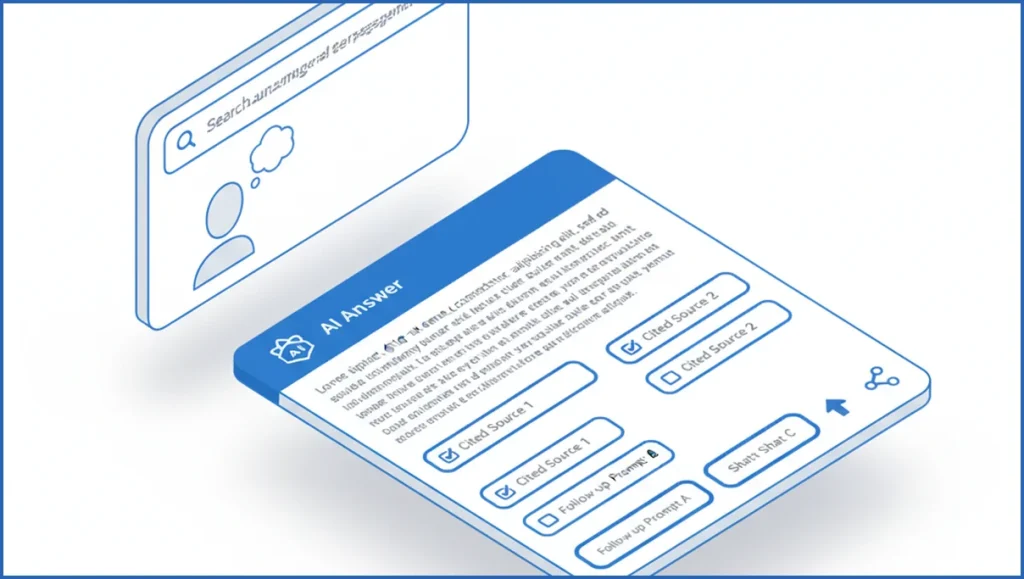
Google AI Mode is a search experience built around generated answers, follow-up prompts, and source-backed summaries. Instead of showing ten blue links first, it tries to resolve the task inside the interface. Google has moved in this direction already with AI Overviews and Gemini-powered search features, including updates shown at Google I/O 2025.
Classic Search still works well for navigation, fresh news, and queries where you want direct control. AI Mode aims at messier tasks. Think trip planning, product comparison, or learning a topic in stages. For marketers, this pushes SEO closer to generative engine optimization, where visibility inside summaries matters alongside standard rankings.
That change also affects reporting. A page may influence answers without winning the top organic spot. If you already track query coverage with tools like the Google Search Console MCP, you can start mapping which pages earn impressions but lose clicks when Google answers more of the query itself.
How Google AI Mode Works Behind the Scenes
A user enters a prompt, often longer than a normal search. Google parses intent, pulls candidate documents, and generates a synthetic answer grounded in web results. The system then offers follow-up prompts to keep the session going. In practice, this feels closer to chat than search, but retrieval still anchors the output.
Grounding is the key detail. Google does not rely only on model memory. It fetches live information, weighs relevance, and attaches source links or chips. That makes AI Mode different from a closed chatbot. It also means publishers with clear structure, strong entity signals, and good internal pathways may surface more often. Internal link building matters here because it helps Google understand which pages carry the strongest supporting context.
User prompt:
"Compare three project management tools for a 12-person SEO team.
Focus on reporting, client access, and workflow automation."
Google can break that into sub-queries, gather product pages, reviews, and documentation, then return one answer with trade-offs and next questions. That is similar to how many teams now analyze search data with Claude plus GSC workflows, except Google does it inside the SERP.
Best Ways to Use Google AI Mode for Real Tasks
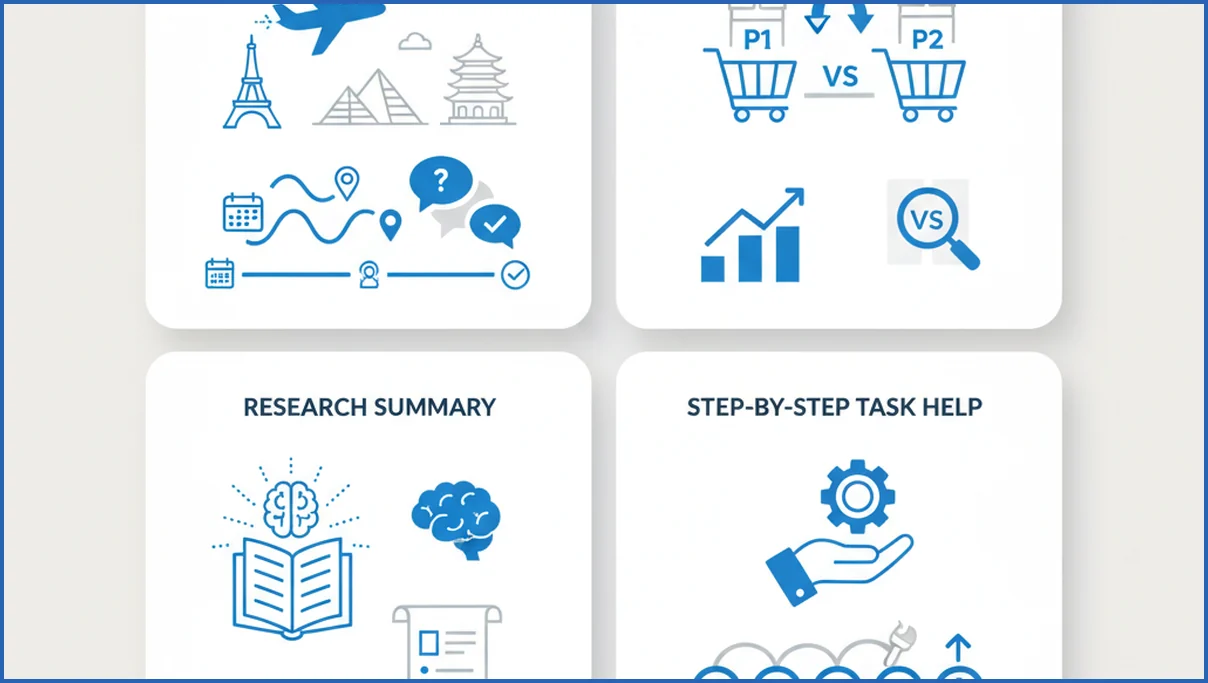
AI Mode is strongest when the question has multiple constraints. “Plan a three-day Lisbon trip for two adults, under $900, near train stations” is a good fit. So is “compare payroll software for a UK startup with 15 staff.” Standard search can do this, but it takes more tab-hopping.
For content teams, AI Mode is useful for scoping a topic fast. You can ask for major subtopics, common objections, and source categories before building a brief. That does not replace primary research, but it can speed the first pass. It pairs well with a documented content marketing strategy because the output is only as good as the question framing.
- Start with a specific task, not a broad keyword.
- Add constraints like budget, audience, region, or timeframe.
- Ask one follow-up that narrows the answer.
- Open cited sources before acting on the summary.
A practical example: ask AI Mode to compare laptop options for video editing under $1,500, then follow with “which has the best battery life and repairability?” That second turn is where it often beats classic search.
Google AI Mode vs Traditional Search
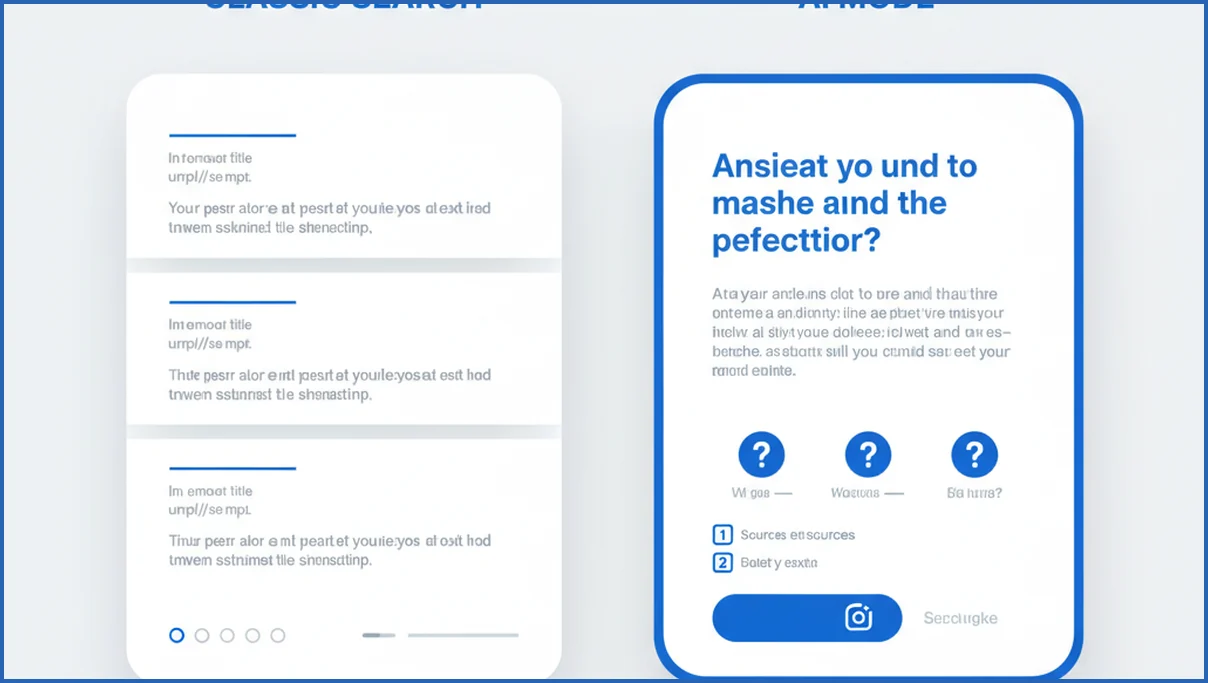
Traditional search is still better when you know what you want. Branded queries, official documentation, live scores, and local pack intent often work better with plain results. AI Mode wins when the task needs synthesis, not just retrieval.
| Feature | AI Mode | Traditional Search | Verdict |
|---|---|---|---|
| Complex questions | Strong | Medium | AI Mode |
| Direct site visits | Lower | Strong | Traditional Search |
| Follow-up prompts | Native | Manual reformulation | AI Mode |
| Fresh, exact sources | Mixed | Strong | Traditional Search |
For SEOs, the real difference is traffic shape. AI Mode may satisfy queries earlier, which can trim clicks on top-of-funnel content. That is one reason to build measurement stacks that combine Search Console and analytics data. GA4 MCP workflows can help tie visibility shifts to on-site behavior instead of staring at clicks alone.
Limits, Risks, and What to Watch Before Trusting It
AI Mode can still miss nuance, flatten expert disagreement, or cite weak sources. A polished summary is not proof. YMYL topics, legal questions, pricing, and anything time-sensitive deserve a manual check. Google may show sources, but source presence is not the same as source quality.
Privacy is another practical concern. Users may type detailed plans, account issues, or sensitive business context into a search interface. Teams should set basic usage rules before staff rely on it for client work. If you are already building AI search workflows, understanding MCP-style tool connections helps separate safe internal data use from casual public prompting.
What Google AI Mode Could Change Next
Expect Search to become more session-based. One query becomes five turns. Voice, image, and uploaded context will likely matter more, especially for shopping, travel, and troubleshooting. That means publishers need pages that answer adjacent follow-up questions, not just one head term.
User behavior will shift too. More people will expect a recommendation, not just options. That raises the bar for source clarity, structured comparisons, and brand trust. If AI Mode becomes a default habit, SEO work moves further upstream into content architecture, evidence, and machine-readable context, not only rankings.
What’s New in Google AI Mode in Search
Google AI Mode is becoming more like a conversational layer on top of Search, not just a faster summary box. Google has positioned AI Mode as a place for longer, more exploratory queries, with follow-up prompts, synthesized answers, and links back to the web. That changes how users discover information and how publishers earn visibility. If you already track AI search optimization, AI Mode is the clearest signal that Google wants more tasks to begin inside an AI-led experience.
What stands out is the search behavior AI Mode encourages. People can ask broader questions, refine them in context, and compare options without starting over. Google has also highlighted multimodal capabilities in Search across recent announcements, including visual understanding and more natural query reformulation in many AI experiences (Google I/O 2025). For site owners, that means content has to do more than rank for one phrase. It needs clear entities, direct answers, and supporting detail that a model can quote with confidence.
- AI Mode supports exploratory, multi-step searching instead of one-off keyword queries.
- Generated answers still rely on web sources, making citations and page clarity more important.
- SEO value shifts toward being summarized, cited, and trusted alongside ranking.
Frequently Asked Questions
Is Google AI Mode the same as AI Overviews?
No. They are related, but not identical. AI Overviews usually appear within regular search results for certain queries. Google AI Mode is a more fully conversational search experience built around generated responses and follow-up turns. Think of AI Overviews as a feature inside Search, while AI Mode acts more like a dedicated answer workflow.
Do I need a special account to use Google AI Mode?
Availability depends on region, product rollout stage, and whether Google is testing features in Labs or broader search. Some users may need to opt in, while others may see parts of the experience directly in Search. The practical answer is simple: check your Google account features and regional availability before planning around it.
Can Google AI Mode answer follow-up questions?
Yes. Follow-up questions are one of its main strengths. You can start with a broad task, then narrow it with budget, audience, timeframe, or product constraints. That makes it useful for research sessions that would normally take several searches. Still, each follow-up can change the framing, so inspect sources before trusting the final output.
Is Google AI Mode better for research than normal Search?
It is often better for early-stage research, especially when you need summaries, comparisons, or quick orientation on a topic. Normal Search is still better when you want direct access to original documents, exact wording, or fresh reporting. A good workflow uses AI Mode to scope the landscape, then standard results to verify details and gather primary sources.
Does Google AI Mode show sources for its answers?
Usually, yes. Google often includes source links, reference chips, or linked documents behind the generated answer. That said, source display can vary by query and interface version. Even when sources appear, you should still inspect them yourself. A cited page may be outdated, thin, or only loosely connected to the claim made in the summary.
Can I use Google AI Mode for shopping comparisons?
Yes, and that is one of the clearer use cases. It can compare features, price bands, intended use, and trade-offs across product categories. It works best when you give constraints like budget, use case, size, or compatibility needs. Do not stop at the summary, though. Open merchant pages and independent reviews before making a buying decision.
How accurate are answers in Google AI Mode?
Accuracy is mixed and query-dependent. It can be quite good on broad, non-sensitive topics with strong source coverage. It can also compress nuance, misread edge cases, or present uncertain claims too confidently. Accuracy tends to drop when information is very new, highly specialized, or disputed. For business decisions, treat it as a research assistant, not a final authority.
The smart next step is to test ten of your target queries in both AI Mode and standard search, then note where Google cites competitors, forums, or your own pages. That gap analysis is more useful than any abstract debate about whether AI search is good or bad.
How do I turn off Google AI Mode in Search?
In most cases, you cannot fully disable Google AI Mode across Search for every query. Availability depends on region, account status, and Google’s current rollout. If AI Mode appears as a tab or option, you can usually switch back to standard web results by choosing the regular Search view instead. For teams tracking visibility changes, use Google Search Console analysis workflows to compare clicks, impressions, and query patterns over time.
Why Google AI Mode matters now
AI Mode pushes Google Search further toward answer-first discovery. That affects how people research, how brands win attention, and how SEO performance should be measured. Ranking still matters, but citation readiness, factual clarity, and page structure matter more than before. If you are adapting content for this shift, start with answer engine optimization principles and a broader SEO strategy for 2026 so your pages can earn both clicks and AI-driven mentions.